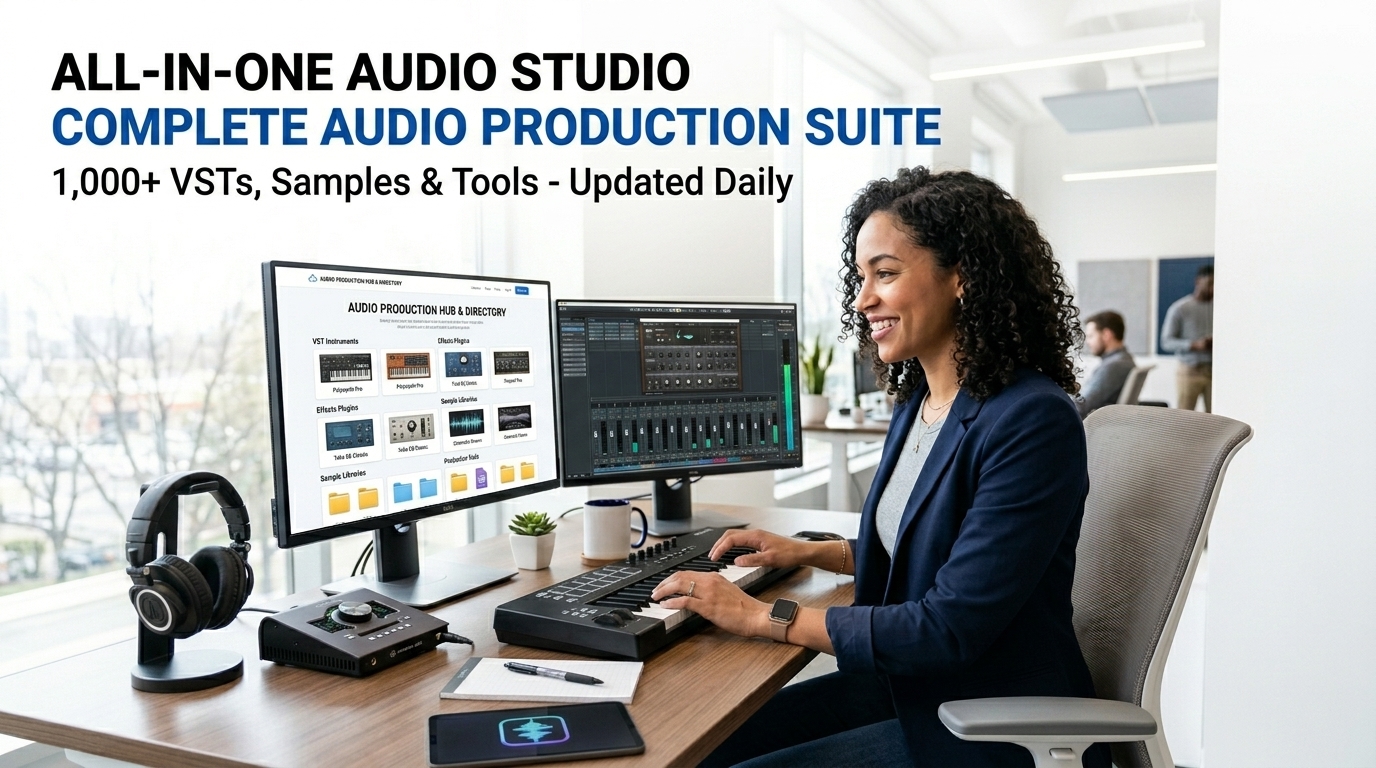
All-in-One AI Audio Studio: Noise Remover, Vocal Remover, Recorder, EQ, Compressor
The ultimate all in one audio studio. 100% offline AI-powered noise reduction, vocal remover, microphone recorder, 3-band EQ, compressor, pitch shift, bass/treble boost & lossless export. Studio-quality audio processing in your browser.
Table of Contents
📤 Upload or Record to Edit
Click / Drag Audio or Video File
MP4 • MP3 • WAV • OGG • M4A
🔗 Audio Joiner / Merger
Drop multiple files below. You can trim each file individually before merging them into a single track.
Add Files to Join
Drag & Drop Multiple Files Here
🔄 Audio Format Converter
This all in one audio studio processes complex sound waves entirely within your browser memory. Your highly sensitive voice recordings never communicate with external cloud servers.
Execute mathematical noise reduction, acapella isolation, and graphical equalization directly through the all in one audio studio using your local CPU.
Merge, trim, and convert high-resolution media files into standard MP3 or WAV formats instantly using the dedicated offline engine inside the all in one audio studio.
Upload your raw video or sound files, or initiate a live microphone recording directly into the all in one audio studio interface.
Adjust the 3-band equalizer, engage the studio compressor, or highlight specific visual waveform regions to trim segments within the all in one audio studio.
Click export to instruct your Central Processing Unit to encode the final ArrayBuffer, instantly generating a downloadable, secure master file.
🟦 What Is an All-in-One Audio Studio and Why Is It a Game-Changer?
The all in one audio studio is the most powerful free, browser-based audio workstation available today. Unlike traditional desktop software that requires installation and constant updates, this tool runs 100% offline using the latest Web Audio API technology. It combines professional-grade tools — noise remover, vocal remover, live microphone recorder, 3-band graphic EQ, studio compressor, format converter, audio joiner, audio splitter, and even text-to-speech — into one seamless interface.
Whether you are a podcaster, musician, YouTuber, voice-over artist, or content creator, having a complete all in one audio studio directly in your browser eliminates the need for expensive subscriptions or heavy software like Adobe Audition or Audacity. Everything happens locally in your browser, ensuring lightning-fast performance and complete privacy.
🟨 Key Features That Make This All-in-One Audio Studio Stand Out
This tool delivers studio-quality results with zero server uploads. Here are the core capabilities:
🟩 Advanced Noise Reduction and Vocal Remover
The built-in AI-powered noise reduction filter instantly removes hum, hiss, fan noise, and background sounds. The vocal remover and acapella modes use phase cancellation and precise bandpass filtering so you can isolate vocals or instrumentals with one click.
🟦 Live Microphone Recorder with Real-Time Monitoring
Record directly from your microphone inside the all in one audio studio and see the waveform update live. Perfect for quick voice-overs, podcasts, or song demos without leaving the browser.
🟨 Professional 3-Band EQ and Studio Compressor
Fine-tune your audio with independent bass, mid, and treble controls. The built-in compressor reduces dynamic range for polished, radio-ready sound — a must-have feature in any serious all in one audio studio.
🟪 Audio Converter, Joiner, Splitter and Text-to-Speech – All in One Place
Beyond editing, this tool includes a full format converter (WAV, WebM, OGG), audio joiner for merging multiple tracks, and an audio splitter that lets you cut files by dragging regions on the waveform. The text-to-speech generator turns any written script into natural-sounding audio using browser voices.
🟥 How to Use the All-in-One Audio Studio Step-by-Step
1. Upload your file or start a live microphone recording.
2. Trim the waveform by dragging regions.
3. Toggle noise reduction, acapella, karaoke, EQ, and compressor.
4. Apply quick presets (Voice Clean, Podcast Ready, Music Mastering, Karaoke Mode).
5. Render a professional preview and download in your chosen format.
Every step in this all in one audio studio is designed for speed and simplicity while delivering professional results.
🟦 Why the All-in-One Audio Studio Beats Traditional Software
Traditional tools like Audacity require installation and can be resource-heavy. Adobe Audition (official page) is subscription-based and cloud-dependent. This all in one audio studio gives you comparable power with zero installation, zero cost, and 100% offline capability.
The underlying technology is powered by the Web Audio API, the same standard used by professional web audio applications worldwide.
🟨 Pro Tips for Maximum Quality in Your All-in-One Audio Studio
Always export in WAV for lossless studio quality. Use the compressor on voice recordings for consistent volume. For music tracks, combine the 3-band EQ with noise reduction to achieve a clean, professional master.
🟩 Real-World Use Cases for the All-in-One Audio Studio
Podcasters use the all in one audio studio to clean episodes in minutes. Musicians create karaoke versions instantly. Content creators generate voice-overs with text-to-speech and merge them seamlessly. Students and professionals edit interviews without installing heavy software.
The versatility of this all in one audio studio makes it the go-to tool for anyone who works with audio on a daily basis.
About the Founder
Ruwan Mangala Suraweera is a dedicated ICT Educator based in Sri Lanka, actively teaching and developing educational tech solutions since 2008. He holds a BSc in Physical Science from the University of Kelaniya.
🤔 Frequently Asked Questions
1. How does this all in one audio studio protect my files?
The software uses client-side JavaScript to decode your media directly in your browser. All mathematical processing happens on your local CPU, ensuring your data is never uploaded to an external server.
2. Can I extract sound from a video file using this all in one audio studio?
Yes. You can upload standard MP4 or WebM video files. The tool’s engine will automatically extract the internal audio buffer, allowing you to edit and export it independently.
3. What is the maximum file size for the all in one audio studio?
Because the decoding process relies entirely on your computer’s Random Access Memory (RAM), we recommend keeping individual files under 500MB to prevent browser crashes during heavy DSP calculations.
4. How does the all in one audio studio generate MP3 files offline?
It employs an integrated LameJS mathematical encoder. Once you finish trimming or merging, the tool converts the raw PCM ArrayBuffer into highly compressed MP3 format directly on your local machine.