Code Minifier – Offline Tool
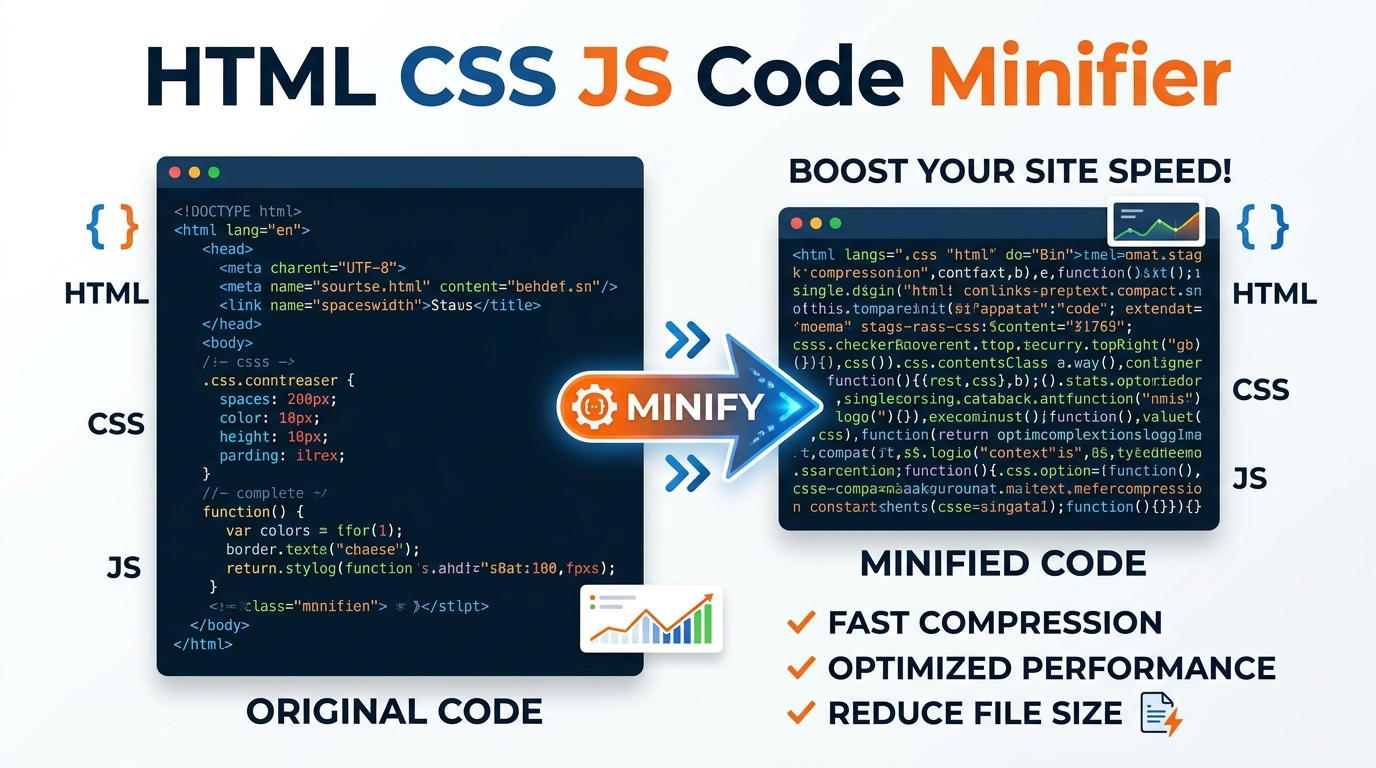
Compress and minify your HTML, CSS, and JavaScript code instantly with our 100% offline Code Minifier. Reduce file size and boost page speed securely.
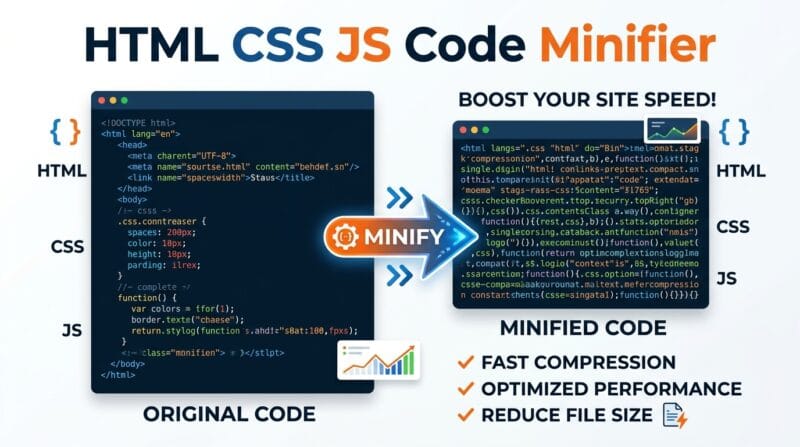
Table of Contents
Shipping a small widget and want to strip the whitespace out of your HTML, CSS, or JavaScript? Paste the code and get a minified version ready to drop straight into a page, with the byte savings shown next to it. Ideal for one-off files where standing up a full build pipeline would be more effort than the job is worth.
⚡ Code Minifier Pro Studio
Four language tabs — 🌐 HTML, 🎨 CSS, ⚡ JS, 📄 JSON. Switch tab, paste or upload your file, then click 🗜️ Minify Code or 🪄 Beautify Code. The stats bar shows original size, minified size, bytes saved, and percentage reduction. Copy Result or Download the output as a correctly named file (.html, .css, .js, .json). Everything runs in browser memory — no server, no upload.
Switch to the 🗂️ Woody JSON Extractor tab. Export your snippet from Woody Snippets (Snippet Library → select → Bulk Actions → Export) and drag the .json file onto the drop zone, or paste the JSON directly. Click 🚀 Extract Snippet Code — every snippet in the file appears as a card showing its name, type, location, scope, and priority. Each card has individual Copy Code, Download, and Send to Minifier buttons.
Woody JSON exports containing multiple snippets show every snippet as a separate card. Each has a 👁 Show Full button to expand the 300-character preview to the complete code. The ⚡ Send to Minifier button copies the extracted code directly into the Minifier tab input and switches modes — extract a snippet, minify it, and download the compressed version in three clicks without leaving the page.
Click ⚡ Minifier/Beautifier for code processing or 🗂️ Woody JSON Extractor to extract snippet code. In Minifier mode, select the language tab — 🌐 HTML, 🎨 CSS, ⚡ JS, or 📄 JSON — matching your file type.
Paste code directly into the textarea, click 📤 Upload File to load from disk, or click 💡 Load Sample to see an example for the active language. The sidebar File Info panel updates live with character count and line count as you type.
Click 🗜️ Minify Code to strip whitespace and comments — the green stats bar shows size reduction percentage. Click 🪄 Beautify Code to format with proper indentation. Then use 📋 Copy Result or 📥 Download to save the output file.
In 🗂️ Woody JSON Extractor tab, drag your Woody export .json file onto the drop zone or paste JSON — click 🚀 Extract Snippet Code. Each snippet card shows metadata badges and has Copy Code, Download, and Send to Minifier buttons for instant access.
Last updated: June 2026
🔴 Why Minifying Code Still Matters for PageSpeed in 2026
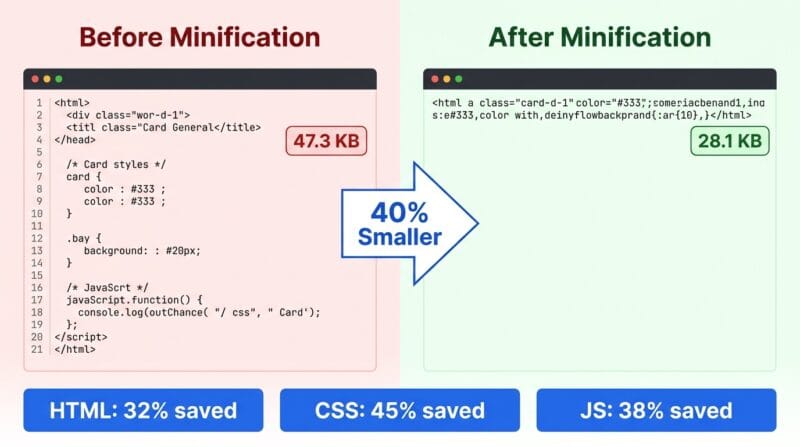
PageSpeed Insights scores CSS and JavaScript file size directly in its “Minify CSS” and “Minify JavaScript” diagnostics. A 120KB unminified stylesheet with developer comments, blank lines, and multi-space indentation becomes 78KB after minification — a 35% reduction that the browser downloads faster, parses faster, and renders faster. On a 4G mobile connection at 20 Mbps, that difference is measurable in milliseconds. Across ten CSS files on a page, it compounds.
WordPress sites face a particular challenge. LiteSpeed Cache, WP Rocket, and Autoptimize all include code minification, but they minify all enqueued scripts and stylesheets — not your Woody Snippets HTML blocks. Woody snippet content is injected directly into the page as raw HTML, bypassing the asset optimization pipeline entirely. Code inside Woody HTML type snippets is never minified by caching plugins. This tool fills that gap: paste your Woody snippet content, minify it, and paste the compressed version back. Smaller HTML in the page body reduces parse time and Total Blocking Time (TBT).
🟡 The Woody JSON Extractor — Getting Your Code Back Out of Exports
Woody Snippets stores snippet content in a WordPress database table. When you export a snippet using Woody’s built-in export function (Snippet Library → select → Bulk Actions → Export), you get a JSON file. The structure is straightforward: a generator field, a date_created timestamp, and a snippets array where each entry has name, title, content, location, type, scope, and priority fields. The actual HTML/CSS/JS code lives inside content as a JSON string with escaped characters — \r\n for line endings, \" for quotes.
The problem: opening that JSON in a text editor gives you the raw escaped string, not the formatted code. You can’t copy it directly and paste it into a new Woody snippet or read it cleanly. That’s exactly what the JSON Extractor solves. It parses the JSON, reads each snippet’s content field, unescapes the string, normalises line endings from \r\n to \n, and presents the clean code in a readable preview panel. The sidebar automatically shows the generator version, creation date, and how many snippets were found in the file.
🟢 Multi-Snippet Exports and the Batch Workflow
Woody lets you export multiple snippets in one JSON file by selecting multiple checkboxes before Export. The extractor handles this correctly — it iterates the entire snippets array and renders a separate card for each entry. Each card shows the snippet’s type badge (universal, php, css, js), the location (header, footer, shortcode), its scope (auto, everywhere), and priority number. These metadata badges are exactly what you need to recreate the snippet in a new WordPress installation — you don’t have to remember the settings.
The Send to Minifier button on each card copies that snippet’s code into the Minifier tab input and automatically switches to the Minifier/Beautifier mode. From there, click 🗜️ Minify Code to compress it, then 📋 Copy Result to copy the minified version. This full workflow — export from Woody → extract with this tool → minify → copy back into Woody — reduces snippet HTML size by 25–40% on average for tool snippets with heavy CSS. Use our Code Minifier Pro Studio as the final step before pasting any large snippet back into Woody to keep your page HTML lean.
- 🔵 HTML minification strips HTML comments, collapses whitespace between tags, removes space around
=in attributes. Reduces markup by 15–30% on typical tool snippet HTML. - 🟠 CSS minification removes comments, collapses property whitespace, removes redundant semicolons before closing braces. A 200-line scoped CSS block shrinks to a single line.
- 🟣 JS minification removes single-line comments, block comments, and normalises whitespace. Does not rename variables — this is safe minification, not obfuscation.
🟡 Beautify Mode — Reformatting Minified or Compressed Code
Beautify is the reverse operation. If you inherit a minified CSS file and need to read or edit it, paste it in and click 🪄 Beautify Code. The CSS beautifier adds line breaks after each declaration and closing brace, restores indentation inside rule blocks, and adds spaces around colons and commas. The HTML beautifier re-indents nested elements based on tag depth — void elements like br, img, input, meta, and link don’t increase indent depth. The JSON beautifier uses JSON.parse() followed by JSON.stringify(null, 2) — this also validates the JSON structure and will throw a parse error if the input is malformed, surfacing syntax issues before they cause problems in production.
The JS beautifier handles brace-based indentation — it tracks opening and closing curly braces to set the indent level. This works correctly for standard function definitions and object literals but won’t correctly indent arrow functions with implicit returns or complex ternary chains across multiple lines. For those cases, use the browser DevTools pretty-print feature which uses a full AST-aware formatter. This tool’s beautifier is designed for quick readability passes — not as a replacement for a full language server formatter.
🟢 File Upload, Download, and the Send to Extractor Button
The 📤 Upload File button accepts files matching the active language tab — .html/.htm for HTML, .css for CSS, .js for JavaScript, .json for JSON. The file is read using the FileReader API entirely in the browser. Output downloads use a Blob URL — the file is named pth-minified-[timestamp].html (or the matching extension) and downloaded directly without any server request.
The 🗂️ Send to Extractor button sends the current output from the Minifier to the JSON Extractor textarea and switches to the Extractor tab. This is useful when you’ve minified a JSON file and want to inspect its structure or extract embedded snippet content. The reverse path — ⚡ Send to Minifier from an extracted snippet card — does the same in the other direction. Both directions are one-click, zero copy-paste. You can also read more about WordPress code optimisation workflows in our WordPress Performance Guide.
Does the JS minifier rename variables or obfuscate code?
No. This tool performs safe whitespace and comment removal only — variable names, function names, and string values are left unchanged. It is not a JavaScript obfuscator. The output is functionally identical to the input and fully readable if you reverse the minification with the Beautify button.
Why does my JSON fail to parse in the Beautify mode?
The JSON tab uses native JSON.parse() which is strict — trailing commas, single-quoted strings, and JavaScript comments inside JSON all cause parse failures. These are valid JavaScript but invalid JSON. Fix the syntax error first (remove trailing commas, replace single quotes with double quotes) then re-run Beautify. The error message identifies the position of the syntax problem.
How do I export a snippet from Woody Snippets for use in the JSON Extractor?
Go to Woody Snippets → Snippet Library. Tick the checkbox next to the snippet(s) you want to export. Open the Bulk Actions dropdown and select Export. WordPress downloads a .json file to your computer. Upload that file to the drop zone or paste its content into the JSON textarea, then click Extract Snippet Code.
Can I extract PHP-type Woody snippets with this tool?
Yes. PHP-type snippets appear as cards with a “php” type badge. The extracted content is the raw PHP code from the content field. The Download button saves it as a .php file. You can copy it and paste directly into a new Woody PHP snippet — remember not to add the opening <?php tag since Woody’s PHP field already runs inside a PHP context.
Why does my minified HTML sometimes break the page layout?
Aggressive whitespace removal can collapse space between inline elements — for example, two span tags with a space between them will lose that space after minification. This is a known HTML minification trade-off. If layout breaks, use Beautify to restore the code, then manually collapse only the CSS and JS sections while leaving the HTML structure with single spaces between inline elements.
Does minifying Woody snippet code actually improve PageSpeed scores?
Yes, indirectly. Woody snippet HTML is injected directly into the page body and bypasses WordPress caching plugin minification. Reducing snippet size shrinks total HTML payload, which reduces Time to First Byte (TTFB) for the document and improves Total Blocking Time (TBT) by reducing HTML parse time. The improvement is most noticeable on tool snippets with 200+ lines of inline CSS.
What happens to the file after I upload it?
The file is read using the browser’s FileReader API entirely in memory. Nothing is sent to a server. The content goes directly into the textarea input field. Closing or refreshing the tab clears all data — no file content is stored in localStorage, sessionStorage, or any persistent browser storage.
Can I minify and then extract — or extract and then minify in one flow?
Yes — that’s exactly what the cross-tab buttons are for. Use 🗂️ Send to Extractor from the Minifier output to send minified JSON to the extractor. Use ⚡ Send to Minifier from an extracted snippet card to send that snippet’s code directly to the Minifier input. Both operations switch tabs automatically — no copy-paste between them needed.
Is there a file size limit for uploads?
No hard limit is set — the browser’s FileReader API handles files up to the available RAM. Practically, files over 5MB are unusual for HTML/CSS/JS snippets. Very large files (10MB+) may cause the browser tab to pause briefly during processing since all operations happen synchronously in the main thread. For files that large, consider splitting them before minifying.