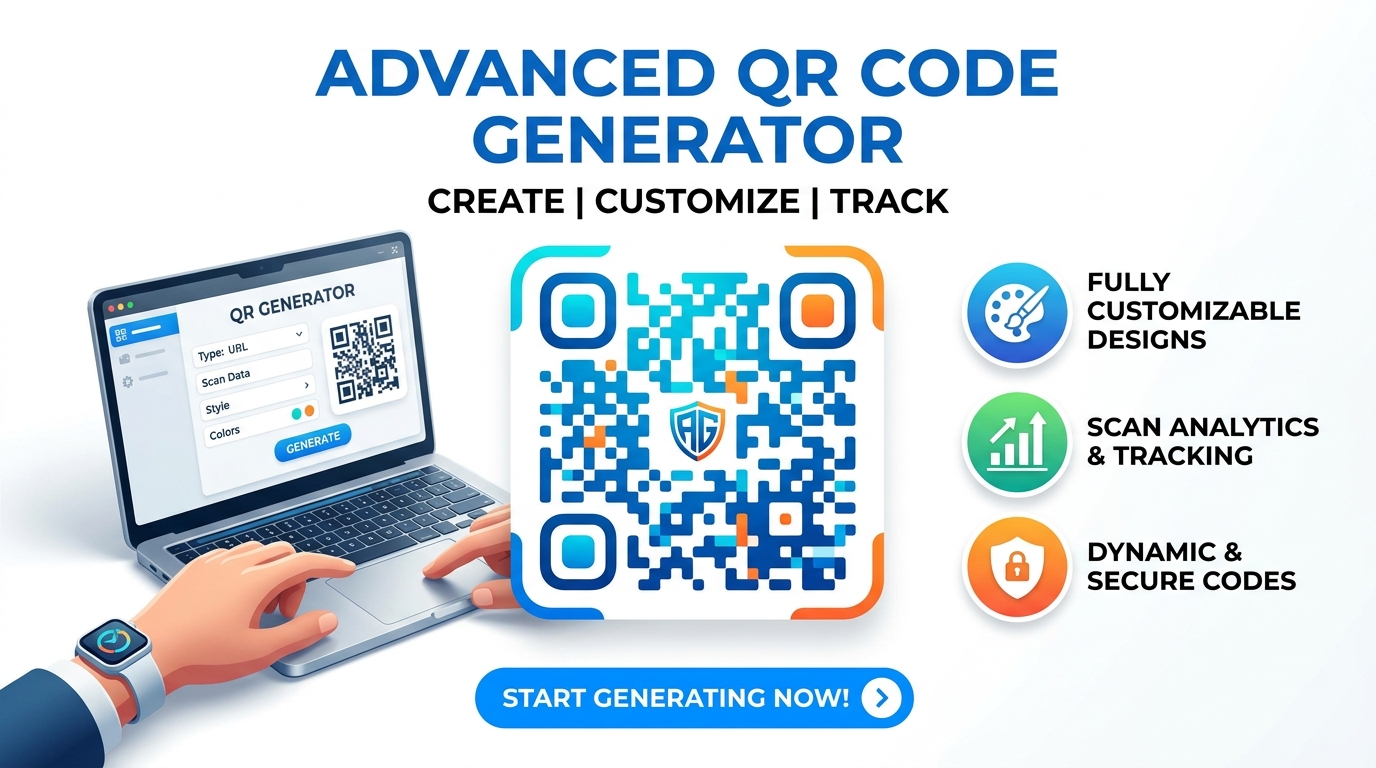
Free Advanced QR Code Generator – Custom Logo & Colors
Create custom QR codes instantly with our 100% offline Advanced QR Code Generator. Embed logos, change colors, and generate WiFi or vCard QR codes securely.
Table of Contents
Need a QR code for a link, a wifi login, or contact details? Generate one with the styling you want and download it, with no account required. Since it is made in your browser, the data you encode never passes through a server run by anyone else.
Advanced QR Code Studio
🎨 Design & Customization
This Advanced QR Code Generator executes matrix encoding exclusively inside the local browser context, securing private data entirely offline.
The Advanced QR Code Generator computes complex Reed-Solomon error correction bytes to ensure optical scanners can decode damaged patterns.
Deploy this Advanced QR Code Generator to serialize complex data strings, including vCard architectures, Geo URIs, and encrypted network profiles.
Select the specific data type tab, ranging from standard text strings to geospatial coordinates.
Adjust the hexadecimal color values, physical pixel dimensions, and redundant error capacity.
Click generate to map the binary data onto the HTML5 Canvas via your local CPU.
Download the rendered high-resolution image directly from the browser memory.
🟥 The Architecture of an Advanced QR Code Generator
In modern data transmission environments, optical matrix barcodes function as highly efficient bridges between physical contexts and digital databases. An Advanced QR Code Generator acts as the underlying mathematical engine that translates serialized alphanumeric characters into a two-dimensional grid of black and white modules. By running this tool, developers can embed complex logic—such as wireless network encryptions or geographic coordinates—directly into a scannable graphic interface.
🟧 Reed-Solomon Logic and Byte Compilation
When you input plain text into this Advanced QR Code Generator, the software does not merely draw random blocks. Instead, the tool applies Reed-Solomon polynomial math. This specific algorithmic calculation appends redundant backup bytes to the primary payload. Consequently, if the image produced by the Advanced QR Code Generator sustains physical damage, camera sensors can still retrieve the original uncorrupted data sequence natively:
- 🟢 Level L configurations provide standard baseline density with minimal redundancy.
- 🔵 Level M scaling balances data capacity with moderate optical reliability.
- 🟣 Level Q implementations calculate backup bytes capable of restoring significant matrix losses.
- 🟤 Level H environments instruct the tool to construct maximum redundancy, ideal for embedding central logo graphics.
🟨 Strict Offline Canvas Processing
Information security requires tools that eliminate remote server dependencies. Therefore, this tool operates 100% offline. Rather than posting your sensitive contact arrays or private network passwords to a third-party API, the tool handles the entire byte compilation process locally. The script writes pixel data directly to an HTML5 Canvas element inside your active browser session, preventing external network interception entirely.
🟩 System Standards and Component Integration
The barcode geometry rendered by our this tool complies with exact optical standards. For computer science students examining the exact pixel mapping specifications, the official Wikipedia documentation on QR standards outlines the complete ISO definitions. Should you require additional offline software mechanisms for formatting related data payloads, you can inspect the comprehensive Prime Tool Hub directory to locate compatible utilities alongside this Advanced QR Code Generator.
🤔 Frequently Asked Questions
How does this Advanced QR Code Generator protect my data?
The entire binary translation executes within your local browser memory via JavaScript. The compiler never communicates with any backend servers, securing your data offline.
Why does the software offer multiple error levels?
Error correction levels determine redundancy. Choosing ‘High’ allows the scanner to decode the image even if 30% of the graphic is covered, which is ideal when placing logos inside the center.
Can I embed complex data structures using this Advanced QR Code Generator?
Yes. The software handles specific URI schemes automatically, converting geospatial latitude arrays, vCard contact frameworks, and encrypted network configurations into compliant optical matrices.
Are the images generated suitable for high-resolution printing?
Yes, you can instruct the software to render dimensions up to 600px, which produces exceptionally clear PNG or JPG elements for physical brochures and hardware labels.