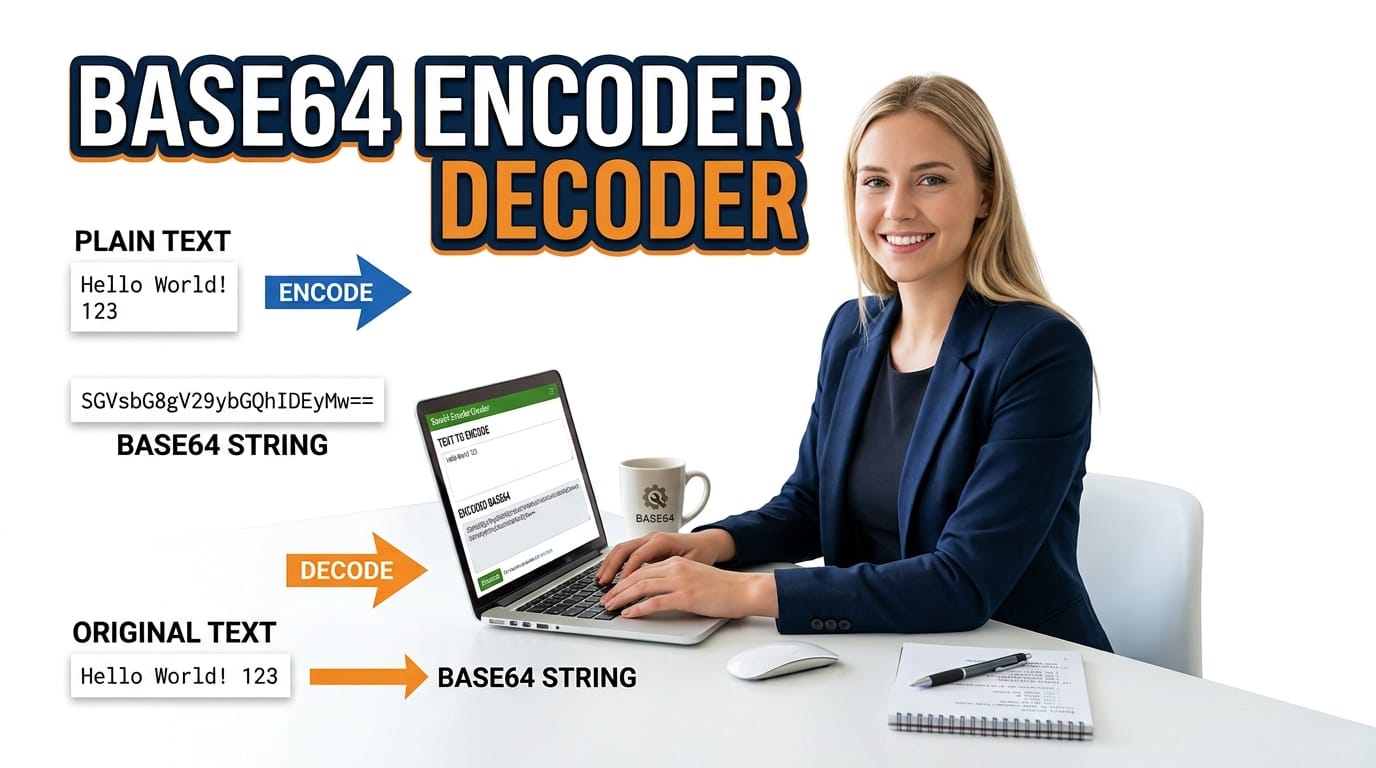
Free Base64 Encoder, Decoder & Image Converter
The ultimate offline Base64 utility. Instantly encode/decode text with UTF-8 support, convert images to Base64 strings, or decode Base64 back to images. 100% free and secure.
Table of Contents
Encoding a small image into a data URI, or decoding a Base64 blob out of a config file? Paste text or drop in a file and flip between encode and decode in a click, with full UTF-8 support so accented and non-English characters survive the round trip. Handy whenever a build step hands you Base64 and you just need to read what is inside.
Drop Image or Click to Upload
PNG · JPG · SVG · WEBP · GIF (Max 10MB)
Encode any file type (PDF, JSON, ZIP, audio, video) to Base64. The entire file is read client-side — no upload to any server.
Drop Any File — PDF, JSON, ZIP, Audio, Video
Processed entirely in your browser · No server upload
Enter one item per line — each is encoded or decoded independently. Download all results as CSV.
Convert a Base64 image into ready-to-paste CSS background, HTML img tag, or favicon link tag.
Compare two Base64 strings — identify if they encode the same content, or see character-level differences.
Paste any Base64 string — the Inspector detects its type, validates format, shows decoded preview, and reports all metadata.
🟢 8-Tab All-in-One Encoding Workspace
One tool, eight specialized workflows. The 📝 Encode tab offers live encoding as you type with ⚡ Live mode, 🔗 URL Safe output, and 📏 Line Breaks (76) for MIME compliance. The 🔓 Decode tab auto-normalizes URL-safe characters, strips whitespace, and adds missing padding before decoding — three toggles that cover every variant of Base64 found in the wild. Encoding overhead stats (input chars, output chars, size increase) update after every operation.
🔵 Image, File & Batch Processing
The 🖼️ Image tab encodes and decodes images (PNG, JPG, SVG, WEBP, GIF up to 10MB) with side-by-side encode/preview panels and a toggle for the data:image/ URI prefix. The 📁 File Encoder tab accepts any file type — PDF, ZIP, audio, video — via drag & drop and shows MIME type, file size, and Base64 output size. The ⚡ Batch tab encodes or decodes multiple lines simultaneously and downloads all results as a two-column CSV.
🟣 CSS/HTML Generator, Diff & Inspector
The 🎨 CSS/HTML tab generates four ready-to-paste code snippets from any Base64 image: a CSS background rule, an HTML img tag, a favicon link tag, and a Markdown image — each with its own Copy button. The 📊 Diff tab compares two Base64 strings and shows the exact character position of the first difference. The 🔍 Inspector tab auto-detects whether a string is standard or URL-safe, checks for padding, identifies the MIME type, and previews the image if it is one.
How to Use the Base64 & Encoding Studio
Four steps from raw data to encoded, validated, and exported Base64 output.
In the 📝 Encode tab, type or paste any text — UTF-8, emoji, Sinhala, Arabic, or CJK all supported. Toggle 🔗 URL Safe if the output will be used in a URL query parameter. Enable ⚡ Live for real-time encoding on every keystroke. For images, go to 🖼️ Image and drag & drop a PNG, JPG, SVG, WEBP, or GIF.
In the 🔓 Decode tab, paste any Base64 string — URL-safe or standard, padded or unpadded. Keep 🔧 Auto-Pad, 🔗 URL Fix, and 🧹 Strip Spaces chips active. Click 🔓 Decode Base64. For round-trip testing, click ↺ Re-Encode. A validity badge confirms whether the input is valid Base64 before decoding. Click ↺ Re-Encode to round-trip the decoded output back through the Encode tab.
After encoding an image in the 🖼️ Image tab, click the 🎨 → CSS button — the tool loads your image Base64 into the 🎨 CSS/HTML tab and generates four snippets instantly. Copy the CSS background, HTML img tag, Favicon link, or Markdown image with the individual Copy buttons, then paste directly into your stylesheet or HTML.
For multiple items, go to ⚡ Batch, enter one item per line, select Batch Encode or Batch Decode, click ▶ Run Batch, then ⬇ CSV to download. To compare two Base64 strings, go to 📊 Diff and click 📊 Compare Strings. To analyze any unknown Base64 string, paste it in 🔍 Inspector and click 🔍 Inspect.
Last updated: June 2026
🔴 Why a Basic Base64 Encoder Is Not Enough
Most Base64 tools online do exactly one thing: they call btoa() and display the result. This breaks immediately on any non-ASCII character — type an emoji, a Sinhala letter, or a Chinese character and you get either garbage output or a JavaScript error. Beyond that single limitation, real-world Base64 work covers at least eight distinct operations: encoding text, decoding strings, converting images, encoding arbitrary files, batch processing lists, generating CSS and HTML code snippets from image data, comparing two Base64 strings for differences, and inspecting an unknown Base64 string to determine what it contains. The PTH All-in-One Base64 and Encoding Studio v3.0 PRO addresses all eight in a single eight-tab workspace with no page reloads and no data transmission.
Tab 1 — 📝 Encode: UTF-8 Safe with Live Mode
The Encode tab uses the browser’s TextEncoder API to convert input text to UTF-8 bytes before calling btoa(). This two-step process — text to bytes, bytes to Base64 — is the correct implementation for any text containing characters outside the ASCII range. The direct btoa(string) approach fails because btoa() expects a binary string where every character has a code point below 256, and multibyte Unicode characters violate this constraint.
The Encode tab also stores the last encoded output in session memory, making it available to the Diff and CSS/HTML Generator tabs without re-encoding. Click 🔡 Encode to Base64 after entering text, then use the → Send to Diff shortcut to transfer the result directly. This cross-tab workflow is the fastest path from text input to comparative analysis — type, encode, compare, all without leaving the workspace or manually copying between panels.Three chip toggles control the output format. ⚡ Live mode encodes on every keystroke — no button click needed. 🔗 URL Safe replaces the two characters that break URL parsing: + becomes - and / becomes _, and trailing = padding is removed. This produces the Base64URL variant defined in RFC 4648 Section 5. 📏 Line Breaks (76) inserts a newline every 76 characters — the line length required by the MIME standard (RFC 2045) for Base64-encoded email attachments and multipart form data. Three stat chips show input character count, output character count, and the size increase percentage after each encode.
Tab 2 — 🔓 Decode: Auto-Normalization Before Decoding
Base64 strings encountered in the wild come in several variants that cause atob() to throw errors without pre-processing. The Decode tab applies three normalization steps before decoding, each controlled by a toggle chip.
🧹 Strip Spaces removes all whitespace including newlines — essential for Base64 that was line-wrapped for MIME, copied from a certificate PEM block, or pasted from a formatted log entry. 🔗 URL Fix converts URL-safe characters back to standard Base64: - becomes + and _ becomes /. 🔧 Auto-Pad appends = characters until the string length is a multiple of four — required because many systems strip padding when storing or transmitting Base64. A validity badge confirms whether the input is valid Base64 before the decode attempt. The ↺ Re-Encode button sends the decoded output back to the Encode tab for round-trip verification.
🟡 Tab 3 — 🖼️ Image: Encode and Preview Side by Side
The Image tab is a two-column layout that handles both directions simultaneously. The left column accepts PNG, JPG, SVG, WEBP, and GIF files up to 10 MB via drag & drop or click-to-browse. The FileReader.readAsDataURL() method reads the file and returns a complete data URI — data:image/png;base64, followed by the Base64 payload. A progress bar tracks reading for large files. An Include data URI chip controls whether the output includes the data:image/ prefix or just the raw Base64 bytes — the prefix is needed for use in HTML and CSS, but some APIs expect the raw bytes only. A preview card shows the uploaded image, its filename, and file size.
The right column handles the reverse direction: paste a Base64 image string — with or without the data URI prefix — and click 👁️ Preview Image. If the prefix is missing, the tool prepends data:image/png;base64, as a fallback. A ⬇ Download Image button appears after a successful preview, saving the reconstructed image as a PNG file. The 🎨 → CSS button transfers the encoded image directly to the CSS/HTML Generator tab and triggers snippet generation automatically.
Tab 4 — 📁 File Encoder: Any File Type
While the Image tab is tailored for image workflows, the File Encoder tab accepts any file type — PDF documents, JSON data files, ZIP archives, MP3 audio, MP4 video, binary executables, or any other file the browser can read. The FileReader.readAsDataURL() call produces a data URI regardless of file type, with the MIME type auto-detected from the browser’s file type sniffing.
Four stat chips appear after encoding: the file name (truncated for display), the original file size in human-readable format (B, KB, or MB), the detected MIME type, and the Base64 output size. Since Base64 adds approximately 33% overhead, a 1 MB PDF becomes roughly 1.33 MB of Base64 text. A progress bar with percentage feedback makes large file processing feel responsive. The full data URI output can be copied or downloaded as a .txt file for storage or transmission.
Tab 5 — ⚡ Batch: Multiple Items, One Click
The Batch tab processes multiple items in a single operation. Enter one string per line in the input area — each line is independently encoded or decoded depending on the selected mode. The Batch Encode mode applies the same UTF-8 safe encoding as the Encode tab. The Batch Decode mode applies auto-padding, URL fix, and whitespace stripping before decoding each line.
Results appear as styled rows showing the original input and its output side by side, with the item count displayed in the panel header. The ⬇ CSV button downloads a two-column CSV file named pth-batch-results.csv with headers Input and Output — ready to open in Excel or import into a data pipeline. This workflow replaces writing a loop in Python or Node.js for one-off batch encoding tasks.
🟢 Tab 6 — 🎨 CSS/HTML Generator: Four Code Snippets
The CSS/HTML Generator tab converts a Base64 image into four ready-to-use code snippets. Load a Base64 image from the Image tab using the 📥 Load from Image Tab button, or paste a data URI directly. Click 🎨 Generate Snippets and four output panels appear simultaneously.
The CSS background snippet produces a .pth-bg rule with background-image: url("data:..."), background-repeat: no-repeat, and background-size: contain — a complete starting point for embedding a background image without an HTTP request. The HTML img tag produces a complete <img> element with the data-no-lazy="1" attribute included per PTH LiteSpeed standards. The Favicon link tag produces a <link rel="icon"> element with the correct MIME type — for embedding a favicon directly in the HTML <head> without a separate favicon.ico file. The Markdown image produces  syntax for documentation and README files that support embedded images. Each snippet has its own individual Copy button.
Tab 7 — 📊 Diff: Compare Two Base64 Strings
The Diff tab takes two Base64 strings and compares them character by character after stripping whitespace from both. Four stat chips show the length of string A, the length of string B, whether they match or differ, and the exact position of the first differing character.
When strings match, a green confirmation panel confirms they are identical. When they differ, the comparison output shows 60-character chunks from both strings, color-coded with string A in red and string B in green — making it visually clear where the divergence begins. The → Send to Diff button in the Encode tab transfers the current encoded output to the Diff tab’s A field, enabling a common workflow: encode something, modify the input slightly, encode again, and compare the two outputs to verify the expected change.
Tab 8 — 🔍 Inspector: Decode Any Unknown Base64
The Inspector tab is for the common situation of encountering a Base64 string with no context — a field in a database, a value in a log file, a parameter in a URL — and needing to understand what it contains. Paste any Base64 string and click 🔍 Inspect.
Eight properties are reported: total character length, validity (passes atob() without error), URL-safe detection (presence of - or _ and absence of + or /), data URI detection, extracted MIME type (if present), padding presence, decoded byte length, and size increase percentage. A decoded preview shows the first 500 characters of the decoded output — if the decoded content is text, it will be readable here. If the string is a data URI for an image, the image renders directly in the preview panel below the property list.
🔴 Connected Workflows Between Tabs
Three cross-tab shortcuts eliminate manual copy-paste between tabs. The → Send to Diff button in the Encode tab copies the encoded output directly to the A field of the Diff tab and switches the view. The 🎨 → CSS button in the Image tab loads the encoded image into the CSS/HTML Generator and triggers generation. The ↺ Re-Encode button in the Decode tab sends decoded output back to the Encode tab for round-trip testing. All three workflows are one click from start to finish. For developer tools that work alongside Base64 encoding, see also the PTH Secure Hash and Crypto Studio for SHA-256 and HMAC generation.
❓ Frequently Asked Questions
Why does standard btoa() fail on emoji and Unicode?
The browser’s btoa() function expects a binary string where every character has a code point at or below 255. Unicode characters like emoji, Sinhala letters, or Chinese characters have code points above 255. This tool uses TextEncoder to convert the text to UTF-8 bytes first, then encodes the byte array — which always stays within the 0–255 range required by btoa().
What is the difference between URL Safe and standard Base64?
Standard Base64 uses + and / as the 62nd and 63rd characters, and = for padding. When embedded in a URL query parameter, + is interpreted as a space and / breaks path parsing. URL Safe Base64 (Base64URL, RFC 4648 §5) replaces these: + becomes -, / becomes _, and trailing = padding is removed. Enable the 🔗 URL Safe chip when the output will be used in a URL, HTTP header, or filename.
How does the Decode tab handle missing padding?
Base64 strings must have a length that is a multiple of four. Many systems strip the trailing = padding characters when storing or transmitting Base64. The 🔧 Auto-Pad chip re-adds the necessary padding before calling atob(). It appends = characters in a loop until the string length modulo 4 equals zero — which may add one or two characters depending on the original length.
Can I encode files larger than images?
Yes. The 📁 File Encoder tab accepts any file type — PDF, ZIP, MP3, MP4, binary files — with no restriction on file type. The practical limit is your browser’s available RAM, since the entire file is loaded into memory as a data URI. Very large files (50+ MB) may be slow on older devices. The output data URI can be copied or downloaded as a text file.
What does the 📏 Line Breaks (76) option do?
The MIME standard (RFC 2045) requires Base64-encoded content in emails to have a newline every 76 characters. Without line breaks, some email clients truncate or reject the encoded content. Enable 📏 Line Breaks (76) when generating Base64 for email attachments, multipart form data, or any context that requires MIME-compliant Base64 formatting.
How does the Diff tab detect where two strings diverge?
After stripping whitespace from both strings, the Diff tab compares them character by character in a loop, stopping at the first index where they differ. That index is the “First diff at” position shown in the stat chips. The output panel then displays 60-character chunks from both strings around the divergence point, making it possible to see exactly which characters changed.
What does the Inspector report for an unknown Base64 string?
The Inspector reports eight properties: character length, validity, URL-safe detection, data URI presence, MIME type (from the data URI prefix if present), padding presence, decoded byte length, and size increase percentage. It also shows the first 500 characters of the decoded content and renders an image preview if the string is a Base64-encoded image data URI.
Can I use the CSS/HTML Generator for any Base64 image?
Yes. Load an image through the Image tab and click 🎨 → CSS, or paste any Base64 image data URI directly into the CSS/HTML Generator tab and click 🎨 Generate Snippets — or use the 📥 Load from Image Tab shortcut. The generator detects the MIME type from the data URI prefix to set the correct type attribute in the favicon link tag. All four snippets are generated simultaneously.
Is there a limit on Batch tab item count?
There is no enforced limit. The batch processor loops through all non-empty lines and processes each one. Performance stays fast for hundreds of items since the encode and decode operations are synchronous. For very large batches (thousands of lines), consider processing in sub-batches of 500 at a time to avoid UI freezing on lower-spec devices.


