Offline Batch File Manager & EXIF Viewer
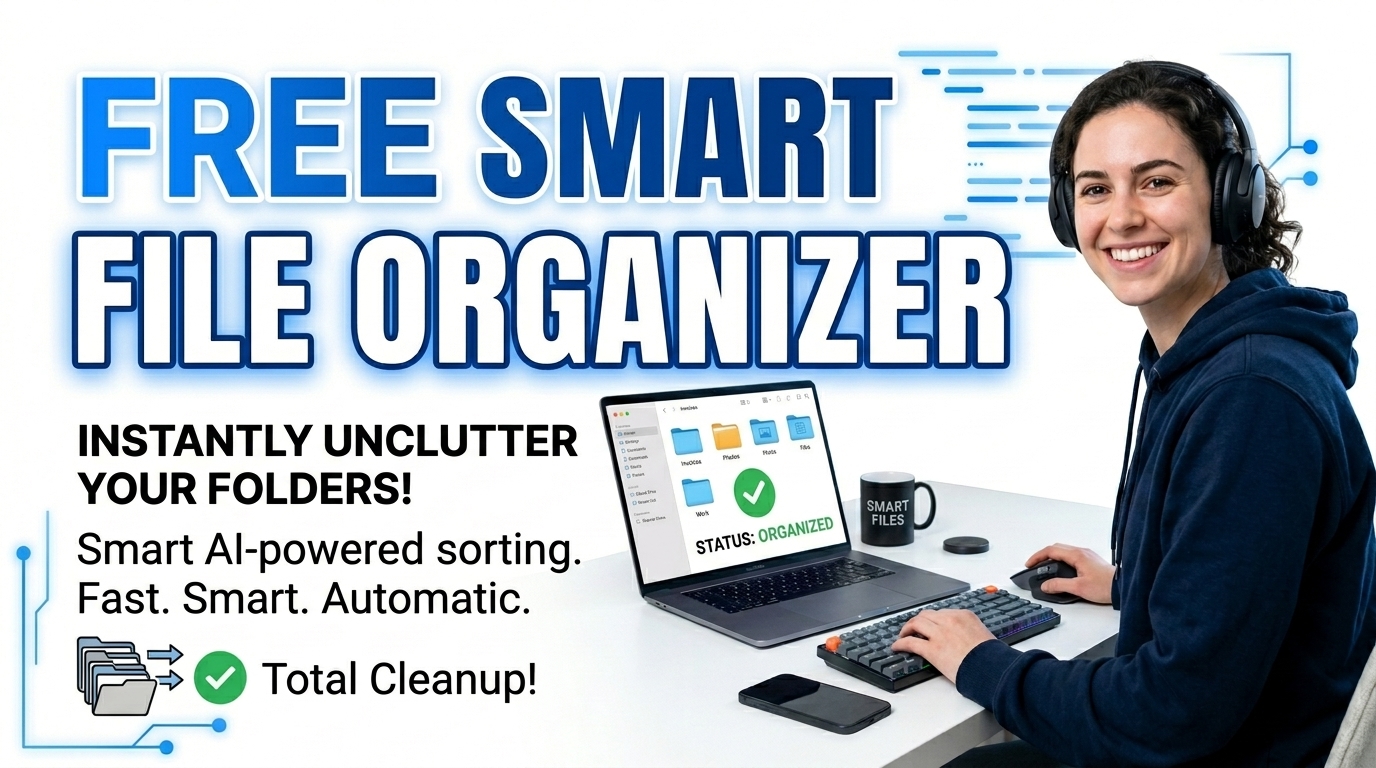
with our smart file organizer you can Manage and batch process your data securely offline. Let’s Learn the computer science behind local duplicate finding and EXIF viewing.
Table of Contents
🟥 The Engineering Behind a True Local Sandbox
A local sandbox is a safe and isolated testing environment of your local computer . these are used to Manage thousands of raw media assets, documents, and code files. These usually requires bloated desktop software but with a sandbox you don’t need it any more. There are may disadvantages of native application software. These Heavy native applications consume system memory, slow down boot times, and often require expensive licensing. Because of that , many users Alternatively turn to web-based platforms, but these force you to upload gigabytes of sensitive files to a remote server. We engineered a completely different approach. Our smart file organizer is built to run entirely inside your web browser’s local memory execution context. By treating your browser as an isolated virtual machine, you get desktop-level speed without ever transmitting a single byte of your data across the internet.
The core advantage of This lies in modern JavaScript engines like V8 (Chrome) and SpiderMonkey (Firefox). These engines now compile script logic fast enough to rival compiled C++ or Rust programs for everyday I/O tasks. When you drag and drop a folder into our utility, the browser allocates temporary RAM to hold those files as binary large objects (Blobs). The server never get to see them.
🟧 How the Browser Reads Local Directories
To understand how this , local environment work, you have to look at the HTML5 File System specifications. Standard web inputs only let you select individual files. However, our smart file organizer uses recursive directory reading capabilities. So When you drop a root folder, the script triggers an asynchronous loop that maps every nested sub-directory.
Steps used:-
- 🟢 Blob URL Generation: The app assigns a temporary, encrypted internal URL to each file directly in your system’s volatile memory.
- 🔵 MIME Type Sorting: The system reads the file extensions and hex headers to accurately sort images, videos, and standard documents instantly.
- 🟣 Dynamic Memory Flushing: Once you reload or close the tab, the browser garbage collector deletes the Blob URLs, leaving zero cache traces behind.
This immediate read-and-release cycle makes this tool incredibly lightweight. So You can process an uncompressed 2GB photo dump, apply batch renaming patterns with sequential numbering, and push the results back out to your hard drive without causing an out-of-memory crash.
🟨 Duplicate Detection and File Hashing Algorithms
Finding exact duplicate files are not easy. Most basic file managers look only at the filename and creation date, That causes false positives and deleted assets. but our smart file organizer uses a deterministic matching algorithm to prevent data loss. It concatenates the exact byte size of the file with the parsed filename and extension to create a unique identifier token. If the system detects a collision (two files sharing the exact same token) it flags them visually. so you can review and delete them as you wish.
In our tool This client-side hashing mechanism relies on the Mozilla Web File API, which grants web applications secure, read-only access to localized storage. The script reads the raw binary byte length of a file instantly because it doesn’t need to upload the file to a backend to calculate an MD5 or SHA-256 hash, So our file organizer can scan a thousand files for duplicates in mere milliseconds. That is super fast.
🟩 Non-Destructive EXIF Metadata Extraction
Doyou know ,Digital photographs contain massive amounts of hidden data known as Exchangeable Image File Format (EXIF) metadata. This data sits encoded within the first few kilobytes of an image’s hexadecimal structure. When you select an image inside the smart file organizer, the JavaScript engine slices the first chunk of the file buffer and parses the EXIF markers. let see how it is done.
- 🟤 Timestamp Decoding: The script pulls the original hardware capture date, bypassing the “Date Created” OS attribute which often resets during file transfers.
- 🟢 Auto-Sorting: Using those decoded timestamps, the utility can automatically group thousands of unordered photos into strictly structured Year and Month folders.
- 🔵 No Cloud Exposure: Geolocation coordinates locked inside your photos never leave your device, guaranteeing absolute privacy.
Once you finish renaming, sorting, and cleaning your directories, the tool uses a local compression library to bundle your finalized files into a single ZIP archive. This packaging happens dynamically within your RAM.
If you appreciate more tools like this, you should explore our Prime Tool Hub free directory. Every utility we build, including this smart file organizer, prioritizes pure client-side architecture to give you fast, private, and unlimited technical power right in your web browser.
🤔 Frequently Asked Questions (FAQ)
1. Are my files uploaded to your servers?
No, your files never leave your computer. this tool operates entirely offline using your browser’s local memory and JavaScript execution engine.
2. How does the duplicate finder actually work?
The tool maps the exact byte size and filename extension of each file to create a unique tracking token, allowing it to instantly flag exact binary matches.
3. Can I batch rename files using variables?
Yes. You can use dynamic tokens like {n} for numbering, {ext} for extensions, and {date} to systematically rename hundreds of files at once inside the smart file organizer.
4. Why do you use ZIP extraction natively?
Native ZIP extraction lets you pull specific files out of heavy archives locally. It saves you from downloading and installing third-party compression software on your machine.
5. What is EXIF data and how do you read it?
EXIF data is the hidden camera metadata inside image files. The smart file organizer reads the raw hexadecimal header of the image to extract dates and formats safely.
6. Is there a file size limit for processing?
The limit depends entirely on your system’s available RAM. Modern browsers can comfortably allocate 2GB to 4GB of volatile memory for client-side processing operations.
7. Will this tool alter my original files?
No. The browser reads your files into memory and creates temporary copies. Your original hard drive files remain completely untouched until you explicitly export and overwrite them.
8. Can the smart file organizer run on mobile?
Yes, because the engine relies purely on HTML5 and JavaScript, it functions directly within modern mobile web browsers like Safari and Chrome for Android.