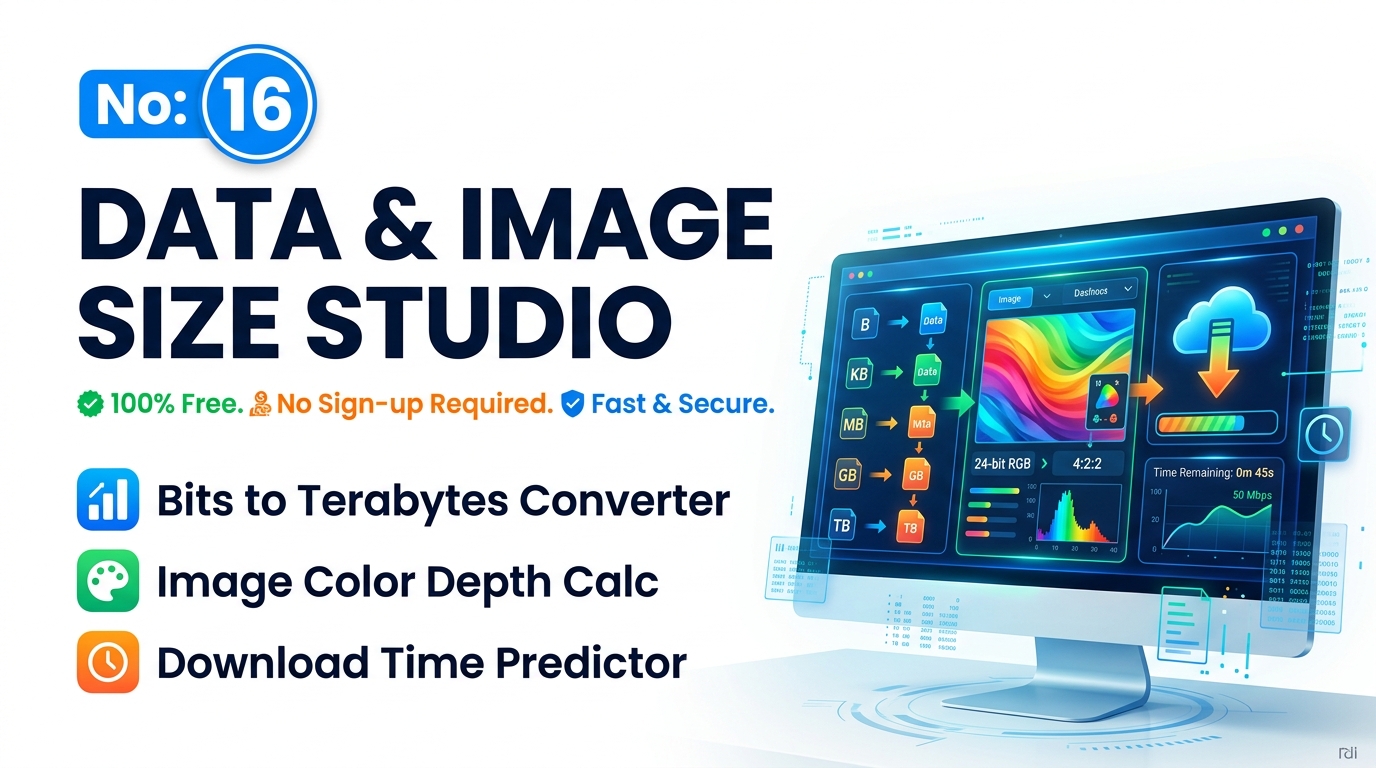
Data Capacity Calculator Image Size Tool – Free Offline
Master the data capacity calculator image size with this complete guide to bits, bytes, uncompressed calculations, and download times. Discover the 100% offline tool that delivers instant results with zero privacy risks.
Table of Contents
🟥 Understanding the Foundations of Digital Data Storage
Every digital image, video file, and text document on your computer comes down to pure mathematics. At the absolute core of computer science, hardware relies exclusively on the binary system. This means your computer only understands two states: a physical electrical charge being either on (1) or off (0). These individual states are called bits. A reliable data capacity calculator image size tool does much more than simply convert numbers on a screen; it accurately translates these microscopic binary states into human-readable storage metrics so you can plan your web projects perfectly.
Before you start building websites or editing photography, you must understand how these bits group together. Eight bits form a single byte. A byte is the standard foundational building block for all file storage. From there, the scale goes up exponentially into kilobytes, megabytes, gigabytes, and terabytes. When you use a proper data capacity calculator image size utility, you are essentially asking the computer to count exactly how many millions of bytes a specific visual grid will occupy on your hard drive.
A massive point of confusion for beginner developers is the difference between binary prefixes and decimal prefixes. Hard drive manufacturers sell storage using the decimal system, meaning they define one kilobyte as exactly 1,000 bytes. However, operating systems read data using binary mathematics, meaning one kilobyte is actually 1,024 bytes. This exact discrepancy explains why a brand-new 1 Terabyte hard drive only shows up as 931 Gigabytes in Windows. An accurate data capacity calculator image size factors in this exact 1024-based binary calculation to give you the true, functional size of your media files.
🟦 The Mathematics of Uncompressed Image Size
Calculating the raw, uncompressed weight of a digital photograph requires a specific formula. The size is determined by multiplying the width of the image in pixels, by the height in pixels, by the color depth, and then dividing that total by eight to convert the bits into bytes. An advanced data capacity calculator image size tool runs this exact polynomial expansion instantly. You can read more about the mathematical history of these binary conversions on the Wikipedia guide to Binary Prefixes.
Color depth is a massive variable in this equation. Color depth dictates exactly how many unique colors a single pixel can display. An 8-bit image can only show 256 colors, making it very lightweight. A standard 24-bit “True Color” image can display over 16.7 million colors. If you apply the formula to a standard Full HD 1080p monitor display (1920 by 1080 pixels) running at 24-bit color depth, the uncompressed file size sits perfectly at 6.22 Megabytes. By instantly visualizing these numbers, a data capacity calculator image size helps software engineers prevent massive server overloads before they write a single line of code.
🟨 Predicting Network Download Times and Bandwidth
Storage capacity is only half the battle. Once you calculate the size of your raw image files, you have to transmit them across the internet. Download time theory follows a similar binary logic rule. To find the transfer time, you divide the total file size in bits by your current network connection speed in bits per second. The best data capacity calculator image size tools feature built-in network predictors because network providers advertise speeds in Megabits (Mb), while file sizes are read in Megabytes (MB).
If you buy a 100 Megabits per second fiber connection, you cannot download a 100 Megabyte file in one second. Because there are eight bits in a byte, your maximum theoretical download speed is actually 12.5 Megabytes per second. A professional data capacity calculator image size bridges this confusing gap, giving network administrators realistic estimates for server deployment and media delivery.

🟩 Why Data Privacy Requires an Offline Studio
Many junior developers make a critical mistake when estimating media sizes. They use standard cloud-based conversion platforms found through quick web searches. The major problem with those external websites is that they track your queries and sometimes require you to upload your proprietary files to a remote backend server just to read the metadata.
If you are calculating the asset sizes for a highly confidential client project, an unreleased video game, or a private corporate app, leaking that data to a third-party server is a catastrophic security vulnerability.
This exact risk is why securing a fully offline data capacity calculator image size tool is a mandatory requirement for serious professionals. By relying on modern client-side JavaScript execution, the entire mathematical calculation happens strictly inside your local browser memory (RAM). When you type your dimensions into a secure data capacity calculator image size, absolutely zero data travels across the public internet, guaranteeing total data sovereignty.
Achieving maximum engineering efficiency requires a complete set of private, local utilities. Once you finalize your media storage requirements, you might need to document your server setup. You can write your server specs quickly using our Free Offline Voice Typing Studio. If your documentation contains special code tags, sanitize them safely using an offline HTML Entity Encoder Decoder.
The future of web development and media management relies entirely on speed, accuracy, and absolute privacy. By making an offline data capacity calculator image size your primary reference tool, you bypass the bloated, tracking-heavy interfaces of standard online converters. You reclaim total control over your digital planning process while keeping your proprietary project data completely secure on your own local device.
“During my 15 years as an ICT educator in Sri Lanka, I noticed my students and fellow teachers struggling with this exact technical problem. Uploading private data to random online servers is a massive privacy risk that no professional should take. That frustration drove me to build this tool—a completely private, secure, client-side utility that lets anyone work quickly without risking their personal data on third-party cloud servers.”
About the Author
Ruwan Mangala Suraweera is a dedicated ICT Educator based in Sri Lanka, actively teaching and developing educational tech solutions since 2008. He holds a BSc in Physical Science from the University of Kelaniya. As the founder of PrimeToolHub.com, Ruwan is passionate about engineering 100% free, secure, and offline client-side web utilities to help global developers and students enhance their productivity without compromising privacy.