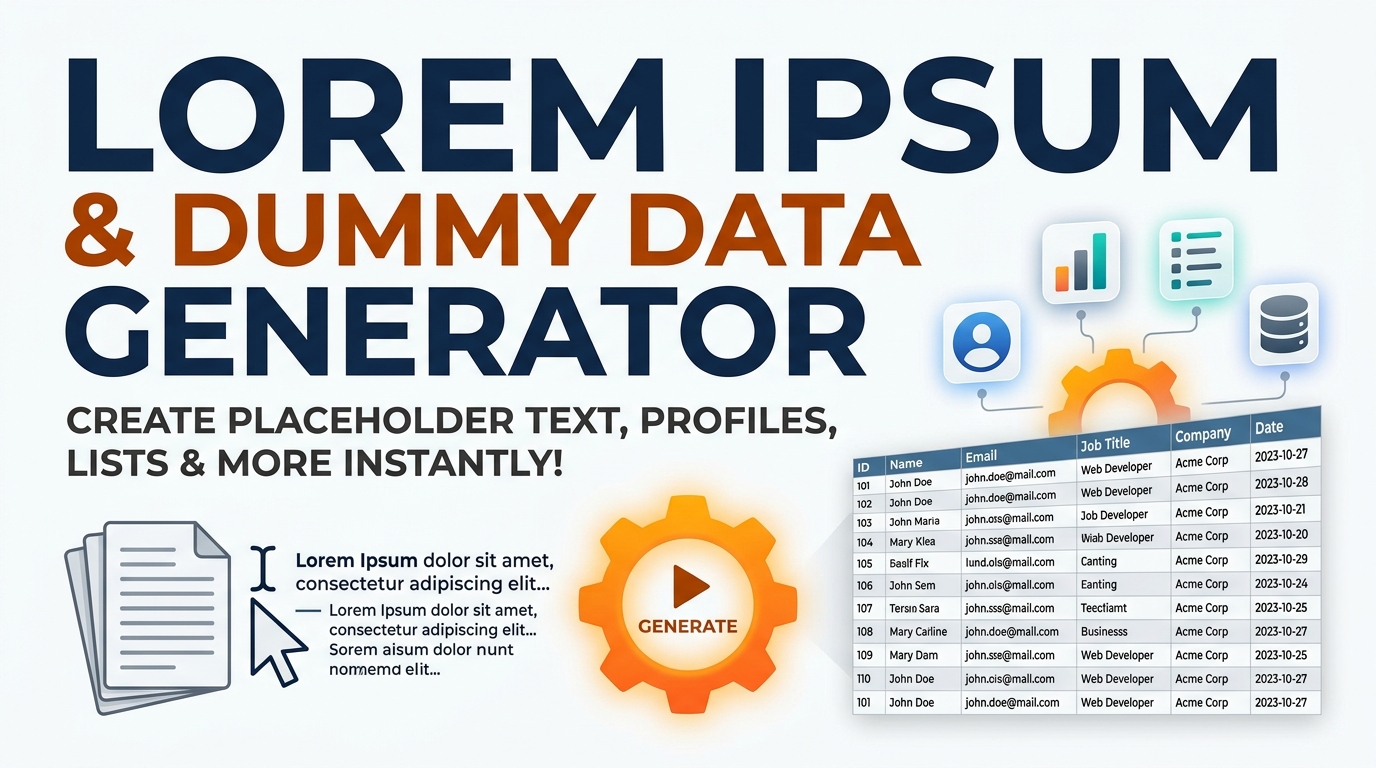
Stop Writing Sample Data by Hand — Build mock JSON payloads and flexible text placeholders effortlessly.
Instantly generate custom Lorem Ipsum text, rich HTML placeholders, and realistic JSON dummy user profiles 100% offline. Perfect for UI/UX and frontend developers. Now use Lorem Ipsum & JSON Dummy Data Generator Pro
Table of Contents
Need filler text to check a layout, or a batch of fake records to test a table or an API? Generate paragraphs of placeholder text or structured dummy JSON with exactly the fields you choose, ready to paste straight into your mockup or test suite. It saves inventing sample data by hand: pick how many records you want, define the shape, and get realistic-looking names, emails, dates and IDs that make a design or a query behave the way real data would. It suits designers filling out a template, front-end developers wiring up a component before the backend exists, and testers who need a clean, repeatable dataset. Everything is generated in your browser with nothing uploaded, so it is fast, private, and keeps working offline once the page has loaded.
Mock Data Studio
Generate Lorem Ipsum and realistic test records from a schema you define. Seeded for reproducible fixtures, four locale packs, nested relations, and export to JSON, CSV, TSV, XML, SQL or Markdown. 100% offline.
author can hold a fullName value.Why Seeding Matters
Most generators use plain randomness, so you can never produce the same dataset twice. With a seed, the output is deterministic: seed=42 today gives byte-identical records to seed=42 next month.
That is what turns throwaway sample data into a real test fixture — one you can commit to a repository and have every developer and CI run reproduce exactly.
Format Cheat Sheet
| Format | Best for |
|---|---|
| JSON | APIs, JS fixtures |
| CSV | Excel, bulk import |
| TSV | Pasting into Sheets |
| XML | Legacy and SOAP systems |
| SQL | Seeding a database |
| Markdown | Docs and README tables |
Honest Limits
This data is plausible, not real. Addresses are assembled from parts, so a street and city may not genuinely coexist. Emails use reserved test domains and cannot receive mail.
Use it to exercise layouts, validation and imports — never as a stand-in for real statistics or for anything that must reflect an actual place or person.
Seeded — The Same Data, Every Time
Nearly every free generator uses plain randomness, so you can never produce the same dataset twice. Type a seed here and the output becomes deterministic: the same seed always yields byte-identical records. That is what turns throwaway sample data into a real test fixture you can commit to a repository and have every teammate and CI run reproduce exactly.
Your Schema, Not a Fixed List
Build the record shape you actually need from 40 field types — names, emails, prices, coordinates, timestamps, SKUs and more. Rename any field so the JSON keys match your real API, reorder with the arrows, and start from one of six presets: User, Product, Order, Employee, Blog Post or Location.
Seven Formats, Four Locales
Export the same records as JSON, CSV, TSV, XML, SQL INSERT, a Markdown table, or a ready-to-paste JS array — switching format never regenerates the data. Names, cities and phone formats follow the locale you pick: United States, United Kingdom, India, or Sri Lanka, with 14 real cities, all 9 provinces and correct +94 7X mobile formatting.
How to Use Mock Data Studio
Start From a Preset
Click User, Product, Order, Employee, Blog Post or Location to load a sensible schema, then set how many records you want. Load Sample fills everything in if you just want to see it work.
Shape the Schema
Add fields, rename them to match your API, reorder them, or delete what you do not need. Field names and field types are independent, so a field called author can hold a full-name value.
Set Realism and Seed
Pick a locale, choose a seed so the output is reproducible, and optionally inject a percentage of empty values or enable awkward-but-real names to stress-test your validation.
Generate and Export
Hit Generate, then switch format in the bar to see the same records as JSON, CSV, SQL and the rest. Copy to clipboard or download with the correct file extension.
Last updated: August 2026
🔴 Why a Seed Turns Sample Data Into a Test Fixture
Here is a problem every developer hits eventually. You generate a hundred mock users, build a page against them, and something breaks on record 63 — a name too long for the column, an empty field your template did not expect. You regenerate to investigate, and the data is completely different. Record 63 is now someone else. The bug is gone, unreproducible, and you have learned nothing.
That happens because ordinary randomness is not repeatable. JavaScript’s built-in random number generator cannot be seeded — there is no way to ask it to produce the same sequence twice. So every generator built on it produces throwaway data by definition.
This tool uses a seeded generator instead. Give it a seed — any text or number, 42 or my-project — and the entire dataset becomes a pure function of that seed. Generate now, generate next month on a different machine, and you get byte-identical records. Suddenly your mock data has the property that matters: it is reproducible. You can note the seed in a bug report, commit the fixture to your repository, and have every teammate and every CI run see exactly the same hundred users, including the one that broke.
Untick Use the seed when you want fresh data on every click — useful for eyeballing variety. Tick it when the data needs to stay put.
🟡 Building a Schema That Matches Your Real API
Mock data is only useful if its shape matches what your application actually expects. A generator with a fixed set of fields forces you to rewrite your code around the mock, which is exactly backwards.
The Schema Builder separates two things that are usually conflated: the field name, which becomes your JSON key, CSV header and SQL column, and the field type, which decides what kind of value gets generated. They are independent. If your API returns customer_email, name the field that and give it the email type. If it returns author holding a person’s name, name it author and give it the full-name type. The generated data then drops into your code without any adaptation.
The six presets are starting points, not constraints — load User, then rename and reorder until it matches your schema. The arrows matter more than they look: field order determines column order in CSV and SQL output, which matters when you are importing into a table that already exists.
🟢 Records That Make Internal Sense
One detail worth calling out because it is the thing most generators get wrong: within a single record, the person-related fields agree with each other. If a record has both a name and an email, you get Kasun Wickramasinghe paired with kasun.wickramasinghe1@example.com, not a name from one draw and an unrelated email from another. Usernames derive from the same identity too. It sounds like a small thing, but incoherent records look obviously fake the moment anyone glances at a table of them — and they make it impossible to eyeball whether your join logic is working.
🔴 Awkward Names and Empty Values Are the Point
Clean test data is comfortable and nearly useless. Every record complete, every name a tidy seven letters of ASCII — your interface looks perfect, and then real users arrive and it falls apart.
Two options in the Realism tab exist specifically to break that comfort. Inject empty or null values sprinkles a percentage of blanks through the data, which is how you find out that your template prints the word “null” on screen, or that a sort function throws when a field is missing. Set it to 20 or 30 percent and watch what happens; most interfaces have at least one place that assumes every field is populated.
Include awkward but realistic names mixes in the ones that break naive validation: apostrophes (O'Brien), hyphens (Smith-Jones), accents (José, García), particles (van der Berg) and non-Latin characters. These are not exotic edge cases — they are ordinary names belonging to enormous numbers of real people, and they routinely get rejected by regular expressions written by someone who assumed names contain only letters A to Z. If your form rejects O'Brien, better to discover that from mock data than from an angry customer.
Note that fields set to be unique — id, email, username — are never blanked even at a high null percentage, because a null primary key is a different class of problem and would just mask the ones you are actually testing for.
🟡 Picking the Right Export Format
The same generated records can leave as seven different formats, and switching format does not regenerate the data — you are looking at one dataset rendered different ways.
- 🔵 JSON for API mocking and JavaScript fixtures. JS array is the same thing wrapped in a variable declaration for pasting straight into a file.
- 🟠 CSV and TSV for spreadsheets and bulk import. Values containing commas, quotes or line breaks are properly quoted and escaped, so they survive a round trip through Excel or a strict parser. Pick the semicolon delimiter if your Excel is set to a European locale.
- 🟣 SQL INSERT for seeding a database directly. Apostrophes are escaped correctly (
O''Brien), nulls are written as unquotedNULL, numbers stay unquoted and booleans become 1 or 0. Choose one multi-row insert for speed, or one statement per record if you need to run them selectively. - 🔵 XML for legacy and SOAP systems, with proper entity escaping. Markdown table for dropping sample output into documentation or a README.
One honest constraint: CSV, TSV and SQL are flat formats. If you have enabled nested child records, an array cannot fit in a single cell, so it is written into one column as compact JSON text. That is the only sensible option, but it means nested data really wants JSON or XML. Already have a CSV file that needs turning into SQL? That is a different job, handled by the dedicated CSV to SQL Query Converter [confirm slug].
🟢 Nested Records for Realistic API Mocking
Real APIs rarely return flat lists. A user endpoint returns a user with their orders; a post returns comments. The Nested & Relations tab builds that shape: define a child schema, name the array key, set how many children each parent gets, and every parent record arrives with its own populated array. With the foreign-key option enabled, each child also carries a parentId pointing back at its parent’s id — so you can test the join logic you would use against the real database.
Everything here runs in your browser with no network requests, which is worth knowing because mock data often mirrors the structure of a real, confidential schema. Pasting your table layout into a random online generator tells that site’s operator quite a lot about your system. For the wider argument on keeping this kind of work local, see the guide to secure offline development utilities, and if you need to tidy or validate the JSON afterwards, the JSON formatter and validator guide covers that side. The rest of the toolkit is indexed under free web tools by category.
What does the seed actually do?
It makes generation deterministic. The same seed always produces byte-identical records, so you can commit the output as a test fixture and have every teammate and CI run reproduce it exactly. Untick it for fresh random data on every click.
Is any of this data real?
No. It is plausible but entirely fabricated. Addresses are assembled from parts, so a street and city may not genuinely coexist. Emails use reserved test domains and cannot receive mail. Never treat it as real statistics or a real place or person.
Are the email addresses safe to use?
Yes. They use example.com, example.org, example.net and .invalid — domains reserved by standards bodies precisely so test data cannot accidentally deliver mail to a real inbox.
Why do the names and emails match each other?
Because incoherent records look obviously fake and make it impossible to eyeball whether your join or display logic works. Within one record, the name, email and username all derive from the same generated identity.
Does switching export format regenerate the data?
No. The records are generated once and rendered into whichever format you pick, so you can compare the same dataset as JSON, CSV and SQL without anything changing underneath you.
Why does my nested array appear as text in the CSV?
Because CSV, TSV and SQL are flat table formats with no way to represent an array inside a cell. The array is written as compact JSON in a single column. For genuinely nested output, use JSON or XML.
What is the awkward names option for?
It mixes in apostrophes, hyphens, accents and particles — O’Brien, García, van der Berg. These are ordinary real names that frequently get rejected by validation written for plain A–Z text. Better to find that in testing.
Is anything uploaded?
No. Everything runs as JavaScript in your browser with no network requests after the page loads. That matters here, because a mock schema often mirrors the structure of a real, confidential database.