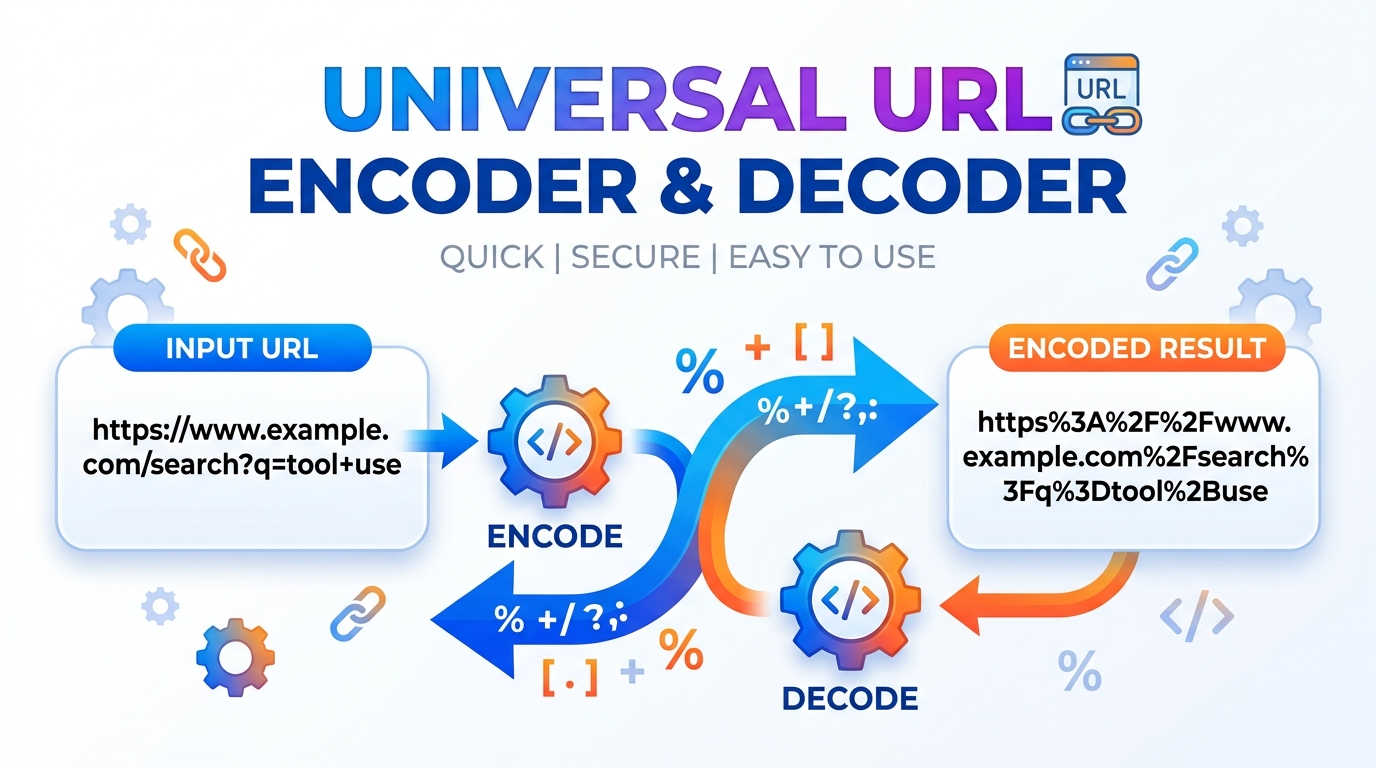
Universal URL Encoder & Decoder
Securely encode and decode URLs and text completely offline. Features live text-to-URL conversion, RFC 3986 strict mode, and real-time byte size calculations.Installation Guide
Table of Contents
Building a link with spaces or special characters and it keeps breaking? Paste your text to percent-encode it for safe use in a URL, or decode an encoded string back into readable form. Useful when you are assembling query parameters by hand or reading an encoded redirect.
All-in-One URL Studio
Quick Examples
Reserved Characters
| Character | Encoded |
|---|---|
| Space | %20 |
| ! | %21 |
| # | %23 |
| & | %26 |
| ' | %27 |
| ( ) | %28 / %29 |
| + | %2B |
| = | %3D |
| ? | %3F |
Executes advanced percent-encoding algorithms to securely translate reserved characters like brackets and exclamation marks.
Automatically fragments decoded strings into protocol, host, and query components using the native browser DOM interface.
Calculates the exact byte size of your payload by instantiating a client-side Blob object in the local device memory.
Paste your unformatted string or malformed URI into the designated text area for immediate processing.
Toggle between encoding or decoding modes, and activate strict compliance protocols if interacting with strict APIs.
Copy the cryptographically safe ASCII output or review the fragmented URL components in the parsed table.
🟥 The Algorithmic Mechanics of a URL Encoder & Decoder
Uniform Resource Locators can only be transmitted over the Internet using the US-ASCII character set. A URL Encoder & Decoder performs a mathematical transformation known as percent-encoding. This translates unsafe characters into a percent sign followed by two hexadecimal digits. When constructing complex web applications, software engineers constantly depend on a URL Encoder & Decoder to guarantee query parameters transmit correctly across HTTP networks.
🟧 Client-Side Execution and Strict Compliance
Standard JavaScript provides native engine functions for character translation. However, the default implementation often ignores specific reserved characters. Our URL Encoder & Decoder applies a strict mathematical filter based on the IETF RFC 3986 standard. It forces the hexadecimal translation of exclamation marks, single quotes, and parentheses. Executing this through a URL Encoder & Decoder running directly in the browser’s JavaScript V8 engine guarantees zero network latency.
🟨 Smart Parsing and Memory Allocation
Beyond simple string manipulation, this specific URL Encoder & Decoder implements a structural parsing architecture. By initiating the native URL constructor within the DOM, the application fragments the input into logical protocol, host, and query parameters. Furthermore, the URL Encoder & Decoder calculates the exact byte size of the payload by generating a temporary Blob object in the client’s memory. This helps engineers measure memory limits before executing heavy API requests.
🟩 Privacy in Data Formatting
Passing API keys, authorization tokens, or sensitive database queries through a third-party server represents a severe vulnerability. Because this URL Encoder & Decoder functions entirely offline on your local machine, no strings are ever transmitted over an external network. For additional offline developer utilities engineered with identical security constraints, explore our complete Free Web Tools Directory. A secure URL Encoder & Decoder is an absolute necessity for modern, client-side frontend development.
🤔 Frequently Asked Questions
1. What is the difference between standard and strict RFC 3986 mode in this URL Encoder & Decoder?
Standard JavaScript functions ignore certain reserved characters like exclamation marks and parentheses. The strict mode applies a secondary regex pass to encode these characters, ensuring compatibility with rigorous server environments.
2. Is the data processed by this URL Encoder & Decoder sent to an external server?
Absolutely not. The translation algorithms operate entirely within your browser’s local JavaScript runtime, meaning your sensitive API keys and tokens never leave your local device.
3. How does the smart parser within the URL Encoder & Decoder function?
When decoding, the tool intercepts the resulting string and attempts to pass it through the native DOM URL constructor. If valid, it extracts the exact protocol, path, and query strings into an organized table.
4. Why do spaces appear as %20 in a URL Encoder & Decoder?
Spaces are invalid characters in standard network transmission protocols. The percent-encoding scheme translates the space character into its corresponding hexadecimal ASCII value, which is 20.