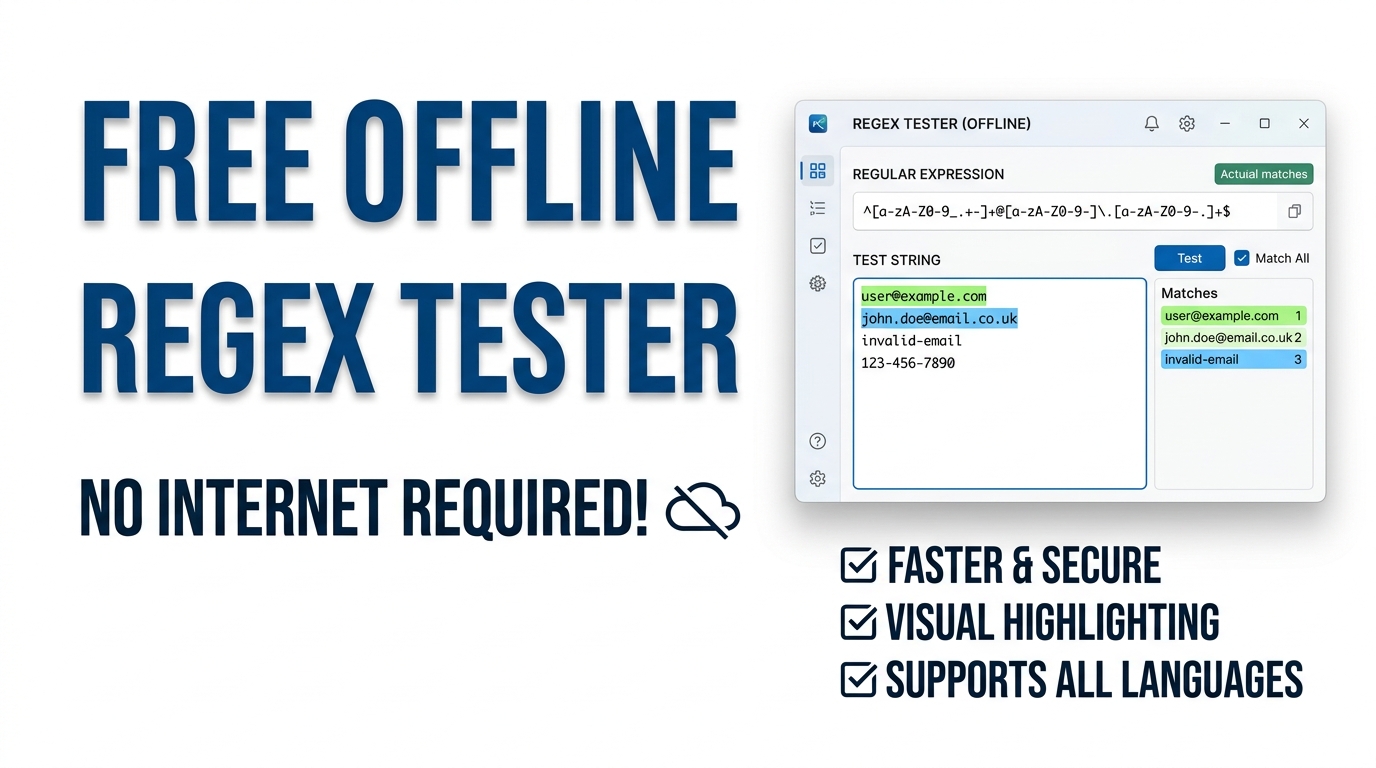
All-in-One Regex Studio Pro
Test, debug, and learn Regular Expressions (Regex) securely offline. Features real-time text highlighting, capture group extraction, and a built-in cheat sheet.
Table of Contents
Writing a pattern to catch email addresses or strip timestamps out of a log file? Type your expression on one side and your sample text on the other, then watch every match highlight live as you edit. The flag toggles and match breakdown save you the slow trial-and-error of testing patterns inside your actual code.
Type a pattern and paste some text. Matches highlight live, and every capture group is listed below — all in your browser.
ℹ️ Placeholder text is just an example — paste your own, or click 💡 Load Sample above.
Find with a pattern and rewrite with a replacement. Backreferences like $1 and $& work just as they do in JavaScript.
Awaiting input...
Pull every match (or one capture group) into a clean list — ideal for scraping emails, URLs or IDs out of a wall of text.
Awaiting extraction...
Answer a few questions and the studio writes the pattern for you, then drops it into the Tester tab ready to run.
/.+/gm
Paste a pattern and read it back in plain English, token by token. Use the library on the right for battle-tested patterns.
📚 Pattern Library
Cheat Sheet
Related Tools
Test and see matches live
Type a pattern and matches light up in your text as you go, in alternating colours so neighbouring hits stay readable. A table underneath lists every match with its position and each capture group, which is where most real debugging actually happens.
Replace and extract in bulk
The Replace tab rewrites text using backreferences like $1, so reformatting dates or masking data takes one line. The Extract tab pulls every match into a clean list, with options to drop duplicates and sort, perfect for harvesting emails or links from a messy paste.
Build and understand patterns
Not fluent in regex yet? The Builder writes a pattern from plain choices, and the Explain tab reads any pattern back to you token by token. A side library of ten tested patterns covers the everyday jobs so you rarely start from a blank box.
How to Use the Regex Studio
Tester
Enter a pattern and flags, paste text, and watch matches highlight with a full capture-group breakdown below.
Replace
Add a replacement using $1, $2 or $&. The rewritten text and a replacement count appear instantly, ready to copy.
Extract
Choose the full match or a group, tick Remove duplicates or Sort, then press Extract for a clean one-per-line list.
Builder & Explain
Let the Builder draft a pattern, or paste one into Explain to read every token in plain English.
Last updated: July 2026
🔴 The pattern looks right but matches nothing
Everyone who writes regular expressions has stared at a pattern that should obviously work while it stubbornly matches zero things. The fastest cure is to stop guessing and watch the engine work. Paste your text into the Tester tab, type the pattern, and the matches highlight the instant they land. When nothing lights up, the problem is usually one of three small things: a special character that needed a backslash, a missing flag, or a greedy quantifier swallowing more than you meant.
Take a real example. You want the price out of Total: $49.99 and you try $\d+. Nothing matches, because in regex the dollar sign means “end of line”, not a literal dollar. The Tester shows you the empty result at once, you escape it to \$\d+\.\d+, and the match appears. That loop of type, look, adjust is the whole point of a live tester, and it turns a ten-minute head-scratch into a ten-second fix.
The capture-group table below the highlight is the other half of the story. Wrap parts of your pattern in parentheses and each match row shows exactly what landed in group one, group two, and so on. That is how you confirm a pattern is grabbing the right pieces before you paste it into code, rather than after it has quietly failed in production.
🟡 Rewriting text with backreferences, not by hand
Plenty of tools let you test a pattern. Far fewer let you act on it, which is why the Replace tab is the one people end up using most. It runs the same find you tested, then rewrites every hit using a replacement string, and the result updates as you type with a running count of how many replacements happened.
Backreferences are what make this powerful. Suppose a file is full of dates written 2026-07-06 and your report needs 06/07/2026. A pattern of (\d{4})-(\d{2})-(\d{2}) with a replacement of $3/$2/$1 flips all of them in one pass, however many there are. Other everyday jobs fall out the same way: mask card numbers by replacing digits with asterisks, wrap terms in brackets, or collapse repeated spaces. Because it runs on your machine, you can safely do this to text you would never paste into an unknown website.
🟢 Harvesting a clean list out of a messy paste
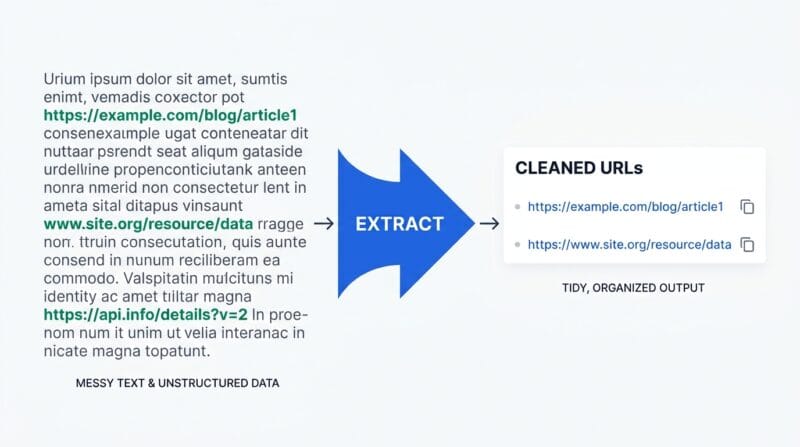
The Extract tab answers a question that comes up constantly: “there are fifty email addresses buried in this blob, can I just get them as a list?” You give it a pattern, choose whether to pull the full match or a specific capture group, and it returns one result per line. Tick Remove duplicates and the forty mentions of the same address collapse to one. Tick Sort and they come back alphabetised.
A quick input-and-output example. Paste a paragraph containing https://primetoolhub.com three times and one other link, run https?://[^\s]+ with duplicates removed, and you get exactly two clean URLs. From there it is a copy button away from a spreadsheet or a script. If your next step is comparing two of these lists, the Text Diff Checker picks up neatly where extraction leaves off.
🟢 Three habits that prevent most regex pain
🔵 Escape the literals. A dot, a plus, a dollar and brackets all have special meaning, so a real full stop is \. not .
🟠 Mind the greedy star. .* grabs as much as it can; add a ? to make it lazy when it overshoots.
🟣 Add the flags you need. Without g you get one match, and without i case matters.
🔴 When regex is the wrong tool, and what to reach for
Regex is a scalpel for text patterns, but not every job is a pattern. The classic trap is trying to parse nested structures like full HTML or JSON with a regular expression. They are not “regular” in the formal sense, so a pattern that seems to work will break on the first unusual nesting. The library here includes a loose HTML-tag pattern for quick finds, and that is the right scope for it: locating tags, not truly parsing a document.
The studio also works on the text you give it, with no memory between runs, so it is not a search-and-replace across many files at once. For plain counting or changing case you do not need a pattern at all; the Word Counter and Case Converter is quicker, and for encoding query strings the URL Encoder / Decoder is purpose-built. If you want to go deeper on the syntax itself, the MDN guide to regular expressions is the reference this tool follows, since it uses the browser’s own JavaScript engine. Our roundup of offline developer tools shows where the studio fits alongside the rest.
Which regex flavour does this use?
It uses your browser’s native JavaScript engine, so the syntax matches ECMAScript regular expressions. Patterns you build here behave the same way in JavaScript code.
Is my text uploaded anywhere?
No. Every tab runs entirely in your browser with no server calls, so you can safely test patterns against private logs, emails or data.
How do backreferences work in Replace?
Wrap parts of your pattern in parentheses, then use $1, $2 and so on in the replacement to reuse them. $& inserts the whole match. It is the same syntax as JavaScript’s replace method.
Why do I only get one match?
You are missing the global flag. Add g to the flags box and the engine finds every match instead of stopping at the first one.
What does the Explain tab do?
It reads a pattern token by token and describes each part in plain English, including groups, quantifiers and character classes. It is a fast way to understand a pattern you inherited.
Can I extract just one capture group?
Yes. In the Extract tab, set the dropdown to Capture group 1, 2 or 3 and the list contains only that group from each match rather than the full match.
Should I parse HTML with regex?
Only for quick tag-finding. Regex cannot reliably parse deeply nested HTML or JSON, so use a real parser for that. The built-in HTML pattern is meant for locating tags, not full parsing.
What is a greedy versus lazy quantifier?
Greedy quantifiers like .* grab as much as possible. Adding a question mark, as in .*?, makes them lazy so they take as little as possible, which fixes many over-matching problems.
Does the Builder cover advanced patterns?
The Builder handles common needs like character type, length and start or end text. For lookaheads and complex logic, start there, then refine the result in the Tester tab.