How to Record Your Screen and Webcam Directly from Your Browser
Discover how to securely record your screen, webcam, and microphone locally. Use our free online screen recorder with a built-in video trimmer today.
Table of Contents
🟥 How to Record Your Screen and Webcam Directly from Your Browser
Creating video tutorials, recording remote meetings, and capturing gameplay used to require heavy, expensive desktop software. You had to download massive installation files, configure confusing settings, and allocate gigabytes of hard drive space just to record a simple five-minute video. Today, the technology has changed completely. A professional online screen recorder operates directly within your web browser, giving you studio-quality capture capabilities without forcing you to install anything on your computer.
When you use a high-quality online screen recorder, you gain access to powerful media capture APIs built natively into modern browsers like Chrome, Firefox, and Edge. This means you can hit a button and instantly capture your display, microphone, system audio, and webcam. Because the entire process happens locally in your computer’s RAM, your video data remains completely private. You never have to worry about uploading your personal meetings or proprietary software demonstrations to an unknown cloud server.
🟧 Essential Features of a Modern Capture Tool
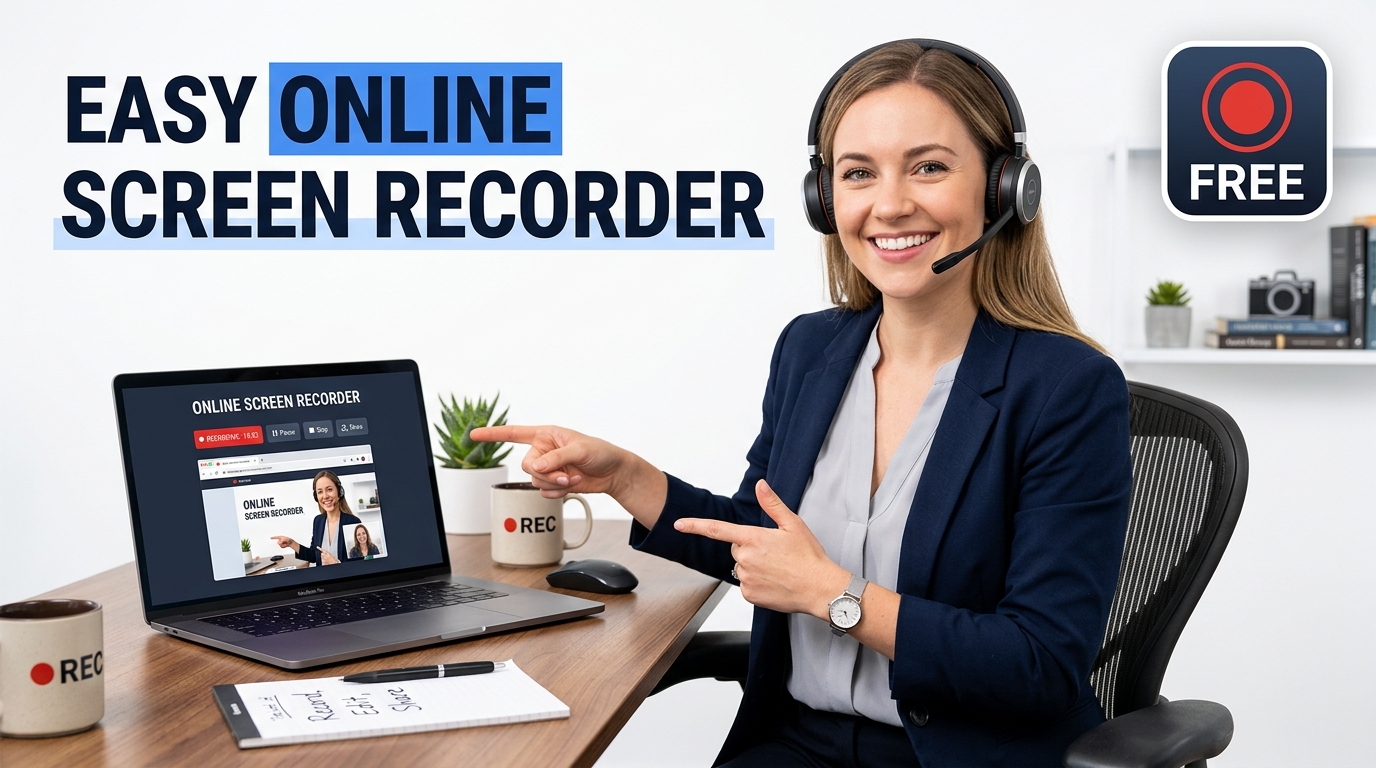
A reliable online screen recorder must offer flexibility. Users have different needs, from recording a specific browser tab to capturing their entire 4K monitor. Our Screen Recorder Studio is engineered to handle all these scenarios perfectly. Here are the core features you should expect from a top-tier online screen recorder:
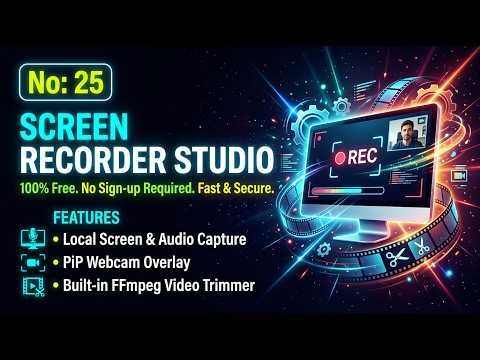
- 🟢 Specific Tab and Window Capture: Isolate your recording to a single application window or a specific browser tab, keeping your desktop notifications and private files hidden from the final video.
- 🔵 System Audio and Microphone Sync: Route your internal computer sounds directly into the recording track while simultaneously overlaying your voice commentary through your external microphone.
- 🟣 Picture-in-Picture Webcam Overlay: Inject your live webcam feed into the corner of your screen recording. This builds trust and keeps your audience engaged during long presentations.
- 🟤 Instant Local Export: Save your final high-definition MP4 or WebM file directly to your local downloads folder the exact second you stop recording.
If you are tired of dealing with watermarks, time limits, and aggressive paywalls, switching to an in-browser online screen recorder is the smartest move you can make for your content creation workflow. You maintain complete control over your video files, and you speed up your production time significantly.
🟨 The Science of Browser-Based Video Encoding
To fully understand why an online screen recorder is so effective, we must look at the underlying computer science. Modern web browsers integrate a powerful interface called the MediaStream API. When you initiate a recording session, the browser executes the getDisplayMedia() command to request access to your screen, and the getUserMedia() command to connect your webcam and microphone. The browser’s native JavaScript engine then funnels these visual and audio streams into a MediaRecorder object.
Instead of sending these raw data packets over your Wi-Fi connection to a remote data center, a true client-side online screen recorder encodes the video on the fly using your local CPU and GPU. The browser compresses the frames using highly efficient codecs like VP8, VP9, or H.264, wrapping them neatly into a WebM or MP4 container. Because this mathematical compression happens directly in your device’s memory, you experience zero network latency, and your recording quality is never degraded by a slow internet connection. You can read more about how these hardware-accelerated streams function in the official MDN Web Docs guidelines.
🟩 Securing Your Video Data Locally
Security is the biggest concern when dealing with screen captures. Many cloud-based recording services force your video feed to stream live to their servers. This means an unauthorized third party could theoretically intercept or store your private team meetings, source code demonstrations, or financial spreadsheets. A client-side online screen recorder completely eliminates this risk by employing a zero-trust architecture. The server hosting the webpage never receives a single byte of your video or audio data.
This strict isolation ensures your privacy remains intact. Even if you are recording highly sensitive corporate software, you can trust a local online screen recorder because the file generation happens exclusively within your browser’s secure sandbox. Once you click the download button, the file moves directly from your temporary browser cache to your hard drive.
🟥 Advanced Built-In Video Trimming
Recording the video is only half the battle. Almost every recording has awkward silences at the beginning or mistakes at the end. In the past, you had to import your finished video into a separate editing program to cut out the bad parts. Our online screen recorder includes a built-in video trimmer that solves this exact problem instantly.
Using WebAssembly (WASM) technology, the trimmer processes the video frame by frame inside the browser. You just drag the start and end markers on the timeline, and the tool cuts the file locally. If you want to perform heavier edits later, you can always import the trimmed file into our Turbo Video Editor. By combining local capture with local editing, you create a seamless, highly secure content production workflow.
🟩 Frequently Asked Questions (FAQ)
1. Do I need to install anything to use this online screen recorder?
No, you do not need to install any browser extensions or desktop software. The tool runs directly in your standard web browser using native media APIs.
2. Is my recorded video sent to a cloud server?
Absolutely not. This is a strictly client-side online screen recorder. All video capturing and encoding happens directly inside your computer’s RAM for maximum privacy.
3. Can I record my system audio and microphone at the same time?
Yes. When you share a Chrome or Edge tab, you can select the option to share system audio. The tool will mix your system sounds with your active microphone input perfectly.
4. Are there any time limits or watermarks?
We do not place time limits on your recordings, and we never add watermarks to your final video. Your recording length is only limited by your computer’s available memory.
5. What file formats does the online screen recorder export?
The standard output format is WebM, which is highly optimized for the web. Depending on your browser’s capabilities, you can also process the file into a standard MP4 format.
6. Can I crop or trim the video after recording?
Yes, our online screen recorder features a built-in local trimmer. You can easily drag the sliders to remove unwanted footage from the beginning or end of your video.
7. Does the webcam picture-in-picture feature work everywhere?
The webcam overlay integrates smoothly into the recording stream. You can position the camera feed in the corner of your screen to maintain eye contact with your audience during presentations.
8. Why should I use PrimeToolHub for recording?
PrimeToolHub provides a professional, 100% free online screen recorder that guarantees your privacy. We do not require accounts, we do not show intrusive popups, and we prioritize fast, local processing.
“During my 15 years as an ICT educator in Sri Lanka, I noticed my students and fellow teachers struggling with this exact technical problem. Uploading private data to random online servers is a massive privacy risk that no professional should take. That frustration drove me to build this tool—a completely private, secure, client-side utility that lets anyone work quickly without risking their personal data on third-party cloud servers.”
About the Author
Ruwan Mangala Suraweera is a dedicated ICT Educator based in Sri Lanka, actively teaching and developing educational tech solutions since 2008. He holds a BSc in Physical Science from the University of Kelaniya. As the founder of PrimeToolHub.com, Ruwan is passionate about engineering 100% free, secure, and offline client-side web utilities to help global developers and students enhance their productivity without compromising privacy.