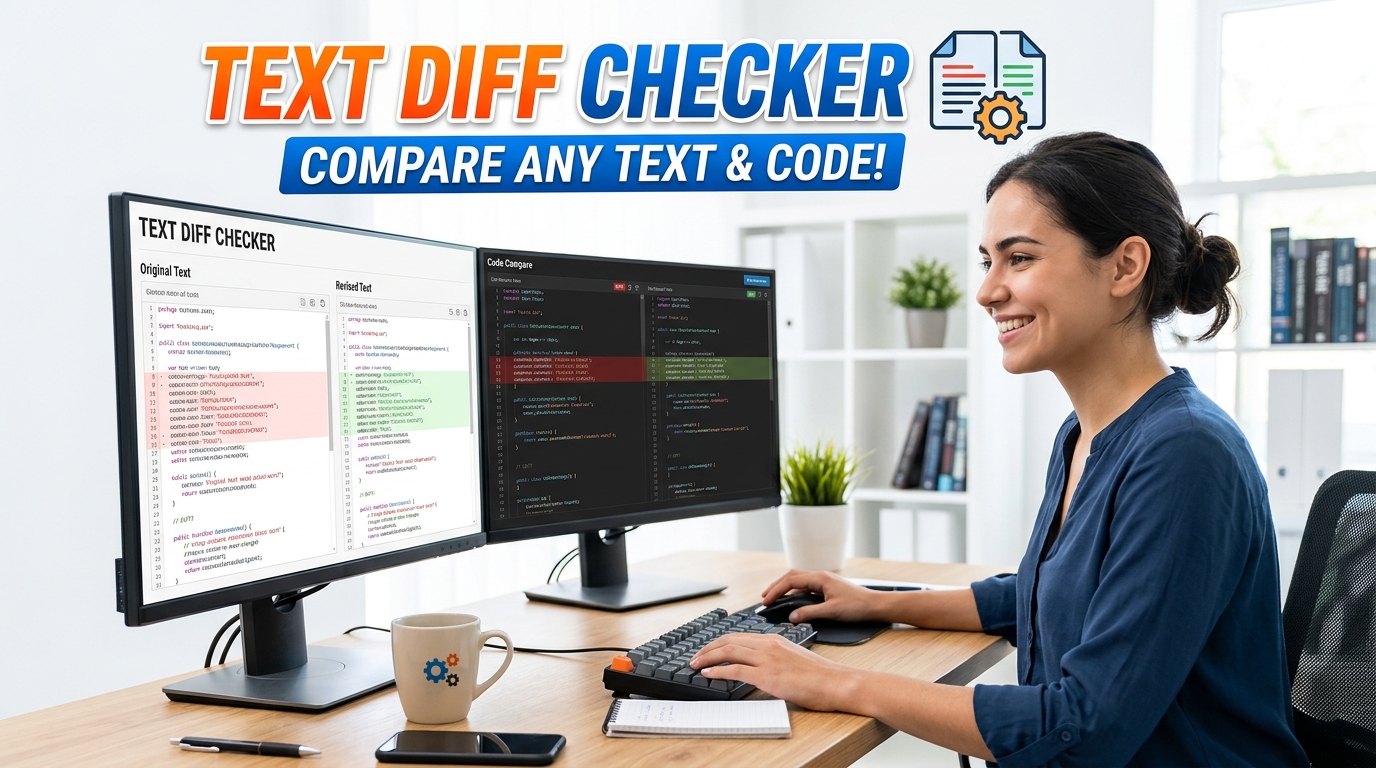
Free Text Diff Checker & Comparator – Offline Tool
Compare two text files or code snippets instantly with our 100% offline Text Diff Checker. Highlight additions and deletions securely in your browser.
Table of Contents
Two versions of a file and no clear idea what actually changed between them? Paste both sides and every added or removed line is marked so the differences stand out immediately. Good for comparing drafts, catching an accidental edit, or reviewing exactly what a teammate changed.
Both versions woven into one stream. Green marks what was added, struck-through red marks what was removed, and word-level highlighting keeps unchanged text out of your way.
The familiar two-column review. Line numbers on both sides, changed rows shaded, and blank padding rows keep matching lines level with each other.
One similarity number can mislead. This tab measures the match at three levels, because reordering a paragraph barely changes its words while wrecking its character alignment.
A real unified diff, the format git apply and patch expect, with proper hunk headers and surrounding context lines.
Compare two texts to generate a unified patch.
Where the two versions disagree, pick a side per block. The merged result builds up as you choose, so you can assemble a final version without hand-editing either original.
The Text Diff Checker executes complex array evaluations to isolate precise character modifications and quantify the similarity metric natively within the browser.
Discovered mutations are dynamically wrapped in semantic insertion and deletion HTML tags, parsing visual indicators directly into the Document Object Model.
Engineers can manipulate the evaluation loop to forcefully ignore boolean casing and variable whitespace patterns prior to initiating the compilation.
Paste your original unedited syntax string into the primary rendering buffer or upload an existing markup file.
Supply the revised character string into the secondary editor block to prepare the engine for synchronous evaluation.
Define the extraction rules, explicitly toggling line-by-line modes or character-level parsing constraints.
Review the computed semantic output or download the resulting standard diff patch directly from local memory.
🟥 Analyzing String Mutations with a Text Diff Checker
Tracking syntax revisions across distributed development environments requires mathematically precise delta computations. A Text Diff Checker evaluates the exact variance between two independent string arrays, identifying additions and subtractions down to the specific character byte. By computing these matrices programmatically, software engineers can audit pull requests, detect unauthorized code modifications, and generate standard patch files without executing terminal commands.
🟧 The Distance Algorithm and Lexical Parsing
When feeding arrays into the Text Diff Checker, the JavaScript thread does not merely overlap the text visually. Instead, the compiler executes an advanced version of the Levenshtein distance algorithm. This equation calculates the minimum number of single-character edits required to mutate one string into another, generating a definitive similarity percentage. The engine’s parser operates through specific conditional branches:
- 🟢 Newly detected array insertions trigger CSS classes that render immediate green semantic highlighting within the DOM.
- 🔵 Missing characters sequence a deletion command, injecting red strikethrough styling across the isolated strings.
- 🟣 Developers can forcefully manipulate the evaluation loop to ignore whitespace padding abnormalities.
- 🟤 Line-by-line configuration modes split the evaluation array strictly by line breaks rather than executing granular character analysis.
🟨 Client-Side Execution and Cryptographic Privacy
Reviewing proprietary software logic or confidential contractual agreements inherently carries extreme data vulnerability. Operating a Text Diff Checker offline prevents unauthorized network logging. Rather than submitting your unreleased revisions to a remote comparison API, this application loads the differential engine entirely within your browser’s local cache. Your data never traverses an external IP node, effectively ensuring zero-latency computations alongside absolute intellectual property security.
🟩 Theoretical Foundations and External Integrations
Understanding the exact mathematical geometry governing these file comparisons allows developers to optimize their version control methodologies. For a deep computer science examination regarding edit distance calculations, engineers should study the Wikipedia documentation on the Levenshtein distance metric. Should your debugging pipeline require formatting uncompressed scripts before evaluation, you can query the Prime Tool Hub directory to locate compatible beautifiers alongside this Text Diff Checker.