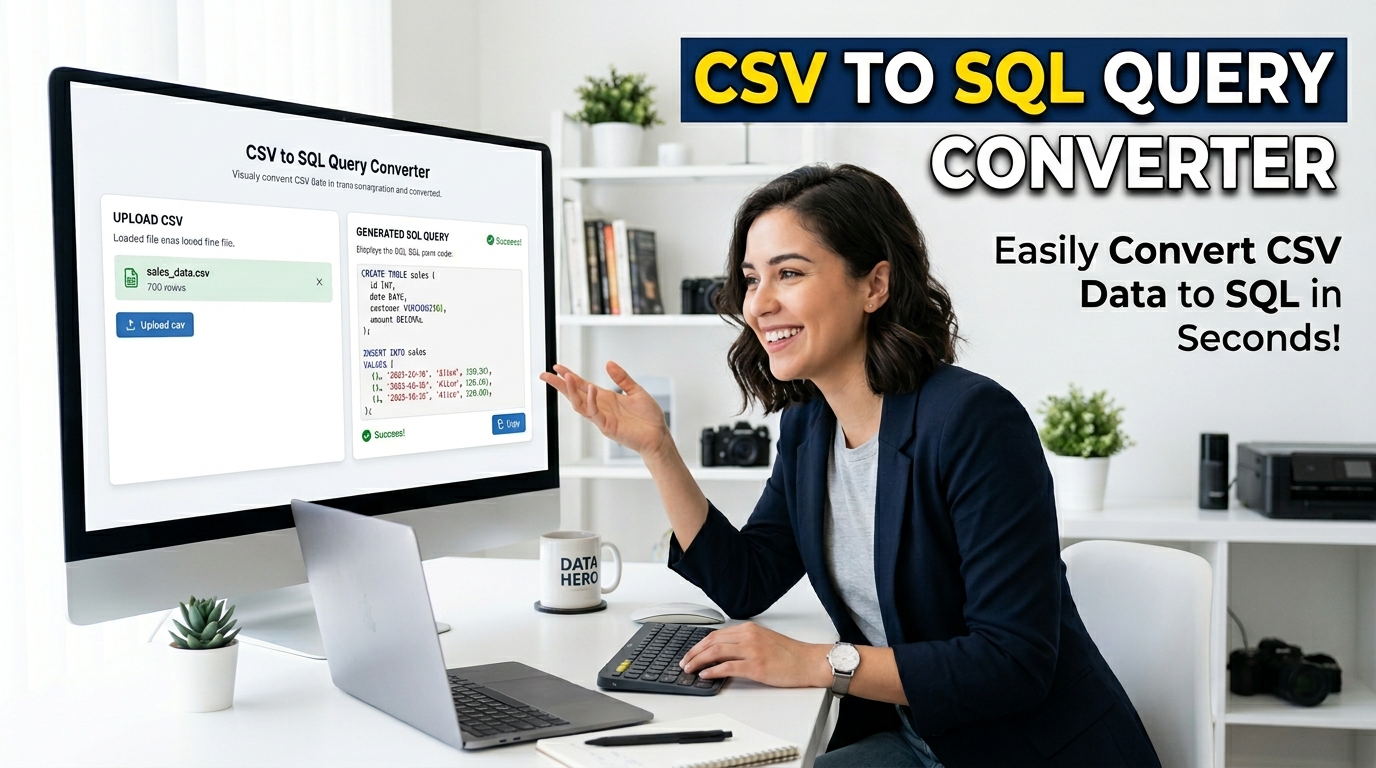
Free CSV to SQL Query Converter | 100% Offline Generator
Convert CSV data to SQL INSERT queries instantly with our 100% offline, secure CSV to SQL Query Converter. Generate CREATE TABLE scripts locally in your browser.
Table of Contents
Have data in a CSV that needs to go into a database? Paste or upload the CSV and get ready-made SQL INSERT statements you can run against your table. It saves writing each row out by hand when you are seeding or importing data.
Ultimate SQL & CSV Converter
Convert robust CSV data to structured SQL INSERT queries and vice-versa securely in your browser. Features auto-validation, smart formatting, persistent history, and sensitive data masking.
1. Input CSV Data
2. Output SQL
0 linesData Preview
Local History
SQL / CSV Validator
Paste data to detect syntax issues or count mismatches.
This CSV to SQL query converter processes all variables directly in your browser using pure JavaScript memory allocation, ensuring zero latency and zero server-side computation.
Engineered for absolute accuracy, our parser translates standard comma-separated syntax into SQL INSERT nodes, and can instantly reverse SQL dumps back into flat-file tables.
A highly secure CSV to SQL query converter feature that programmatically identifies and hashes sensitive strings, such as emails, before compilation.
Paste your raw strings or drag-and-drop your flat file directly into the primary textarea of the CSV to SQL query converter.
Specify exact table schemas, data type mapping structures, and preferred delimiters within the right-hand properties sidebar.
Initiate the script execution to parse the input. Copy the sanitized output or download the resulting .sql file immediately.
🟥 Understanding the Architecture of Our CSV to SQL Query Converter
Database administrators and software engineers frequently face bottlenecks when transferring large datasets across different relational systems. A standard web-based CSV to SQL query converter often depends on backend PHP or Node.js processing servers to parse these inputs. This methodology inherently generates network latency and exposes private database fragments to third-party APIs. To solve this architectural flaw, we developed an entirely client-side CSV to SQL query converter that leverages your local CPU processing capabilities and direct Document Object Model (DOM) manipulation to compile data securely.
🟧 Client-Side CPU Processing and Regex Validation
Our proprietary CSV to SQL query converter operates through an advanced string-parsing algorithm strictly isolated within your browser’s execution thread. When you input a dataset, the system does not initiate any asynchronous HTTP requests. Instead, the converter executes multi-pass regular expressions (Regex) directly in the local memory stack. This client-side processing guarantees that complex string formatting—such as nested quotation marks or escaped characters inside strings—is accurately resolved according to the strict RFC 4180 standards for Comma-Separated Values.
🟨 High-Performance Memory Allocation
Handling large volumes of text within a browser requires optimized memory allocation. If an application attempts to concatenate thousands of strings synchronously, the browser thread will freeze. Our CSV to SQL query converter prevents thread-blocking by utilizing optimized JavaScript arrays and the join() method, effectively bypassing string immutability limits in standard V8 JavaScript engines.
The technical advantages of using our CSV to SQL query converter include:
- 🟢 Absolute data privacy, as the payload never leaves the client’s local RAM.
- 🔵 Instantaneous bi-directional mapping from SQL schemas to flat-file arrays.
- 🟣 Real-time syntax validation that alerts the engineer to unbalanced parameter counts.
- 🟤 Support for multiple database dialects including MySQL, PostgreSQL, and SQLite.
🟩 Integration with the Engineering Ecosystem
Every professional developer requires dependable, highly optimized local utilities to streamline database migrations. By operating 100% offline, this CSV to SQL query converter behaves indistinguishably from a native desktop application. Furthermore, local history state management is maintained using browser localStorage API calls, allowing users to restore previous iterations without database persistence. For developers seeking to expand their local engineering utility belt, we highly recommend exploring our complete Free Web Tools Directory at Prime Tool Hub, where every application is engineered with this exact philosophy of zero-latency, private, client-side computation. Whether you are generating schemas or masking sensitive variables, this CSV to SQL query converter provides the exact algorithmic precision required by modern data engineers.
🤔 Frequently Asked Questions
How does the CSV to SQL query converter process large string payloads?
Our system executes all algorithms within your browser’s local CPU limits. Instead of uploading files to a server, the CSV to SQL query converter applies optimized JavaScript logic to parse strings immediately in your device’s memory.
Does this CSV to SQL query converter send my data to external databases?
Absolutely not. The entire translation framework is hosted offline. Once the page scripts load, the CSV to SQL query converter can execute conversions even if you disconnect from the internet, ensuring strict data security.
Can the CSV to SQL query converter handle non-standard delimiters?
Yes. You can explicitly declare the character separation variables in the settings panel. The CSV to SQL query converter supports pipes, semicolons, standard commas, and tab-spaced inputs.
How does the data masking algorithm function?
When activated, the CSV to SQL query converter runs a secondary regular expression pass specifically searching for identifiable syntax like emails, converting specific character indices to asterisks prior to generating the SQL export.