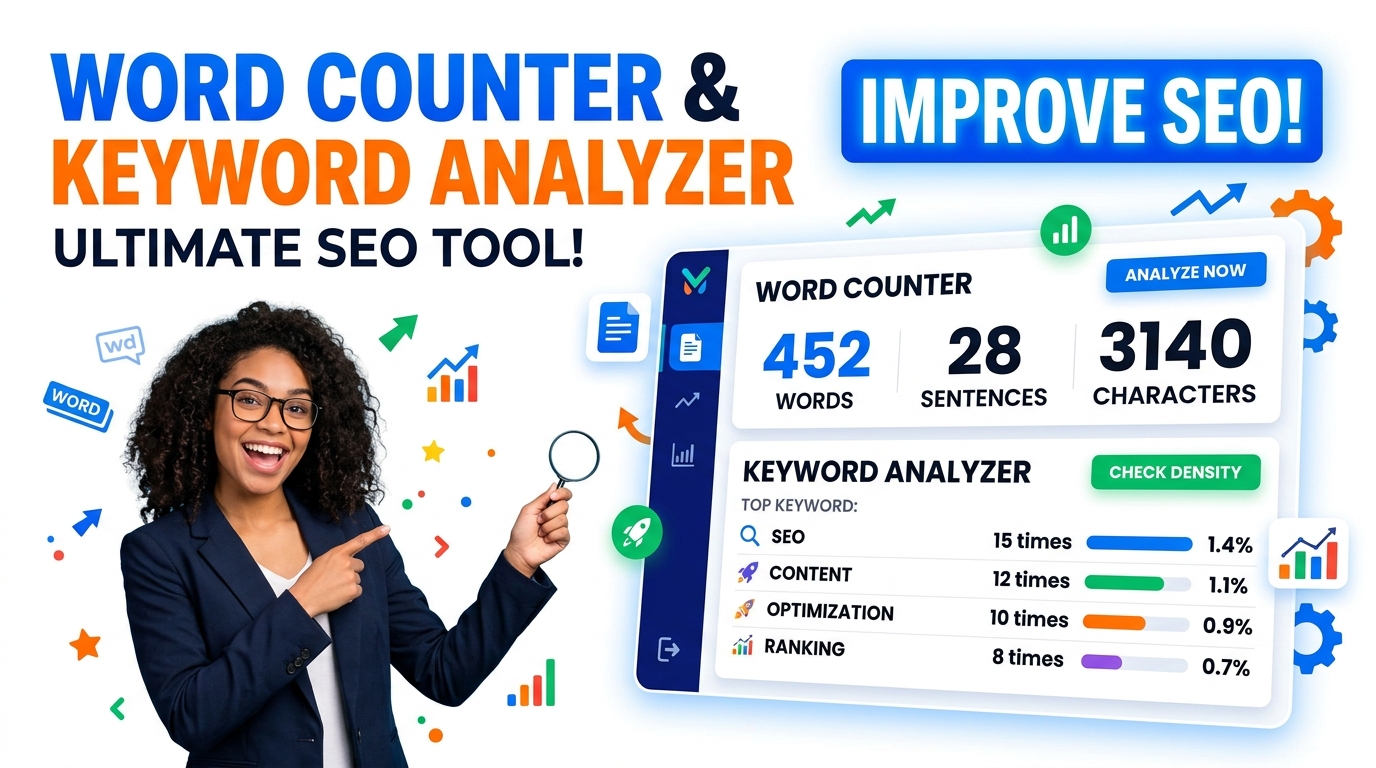
Free Word Counter, Text Case Converter & Keyword Analyzer
Instantly count words, analyze keyword density, check readability, convert text cases, and clean formatting with our 100% free, offline SEO text utility.
Table of Contents
Writing to a word limit, or need text in a specific case? Paste your text for a live word and character count, and switch it between uppercase, lowercase, title case, or camel case in a click. Useful for essays, meta descriptions, and cleaning up copied text.
📝 Ultimate Text & SEO Studio
Live SEO & Readability Tracking
Monitor your exact word count, keyword density, and Flesch readability score in real-time as you type. See exactly how your meta tags will appear on Google Desktop and Mobile.
30+ Instant Text Tools
Access 6 distinct tabs to clean HTML, convert cases, fix messy typography (like double spaces or broken quotes), sort lists, and even run Regex find-and-replace.
100% Offline Processing
Your private drafts and data never leave your device. The entire studio runs locally in your browser, guaranteeing total privacy and zero server lag.
How to Use the Studio
Paste Your Text
Drop your draft, list, or messy data directly into the Main Text Input area.
Pick a Tab
Switch between SEO, Transform, Content, Lists, Typography, or Chars tabs based on your task.
Apply the Fix
Click any action button—like ‘Remove Empty Lines’ or ‘Convert to Sentence case’—to instantly update the text.
Copy or Export
Use the Quick Actions bar to copy your final result or download it as a clean .txt file.
Last updated: July 2026
🔴 Managing Heavy Content and AI Prompts
Tracking complicated formatting jobs or long content pipelines gets messy when bouncing between countless online tool tabs. Imagine you are setting up scripts for YouTube Sinhala ghost story videos utilizing AI generation. You know your drafts require at least 1200 words to maintain optimal viewer retention, and you are also trying to manage extensive text strings for recurring character prompts—maintaining structural details for specific facial features, environments, and costume changes across varying scenes to ensure the visual AI output remains consistent.
With this ultimate text and seo studio workspace, you can insert your master document blocks into the primary text layout area. By heading into the Word Count Target section within the Content tab, the system monitors your 1200-word production goal instantly via a green progress bar. When you need to refine recurring character outfits or modify tags inside 50 distinct prompt lines, navigating to the Transform panel lets you initialize Regex mode in the Find & Replace tool to update matching blocks instantly across the layout.
🟡 Validating Readability Scores and Meta Configurations
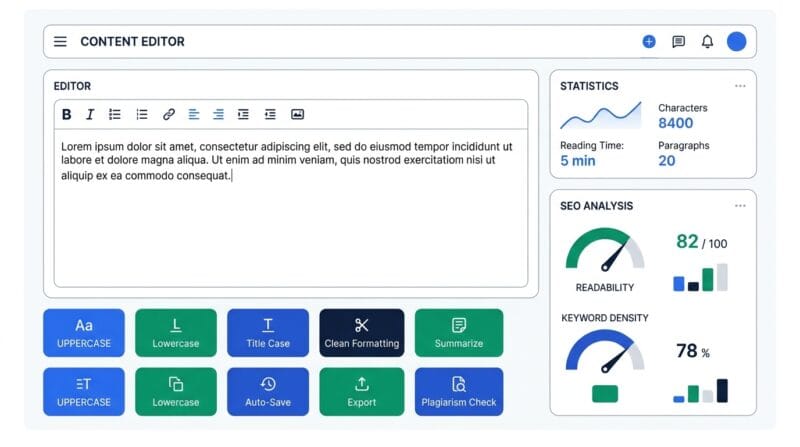
Search crawlers closely observe text complexity patterns. Within the SEO workspace tab, the scoring card monitors structural parameters to estimate a real-time value using the absolute Flesch Reading Ease formula. If your pasted paragraph hits a restrictive level like 35, it flags that your sentence setups are too dense or use overly complex syllables. Segmenting long 30-word sentences into punchier blocks drops word weight and pushes metrics into the optimal 60+ index.
For creators configuring structural tags on web entries, the interactive Google Snippet Preview displays visual rendering behaviors for both Desktop and Mobile setups. A frequent mistake is creating an extended title that collapses abruptly on search engines. The built-in dynamic gauge turns red the second your input crosses the 60-character layout dimension, avoiding visibility issues once indexed. You can also explore our dedicated tool for further tag building, or read our guide explaining in depth.
🟢 Functional Boundaries and Limitations
Because this text utility studio runs exclusively client-side to ensure maximum privacy and zero latency, there are explicit operational parameters to consider:
Regex Requires Exact Syntax
If you check “Regex mode” in the Find & Replace tool and type a broken expression, the tool will gracefully catch the error and show a red toast notification, but it won’t auto-correct your pattern. You must use standard JavaScript regex syntax.
The SERP Preview is Static
The dynamic preview system serves as a static visual guide matching Google layout grids. It does not load remote index databases or pull live competitor rankings from the web.
Are my pasted texts monitored or logged to an external database?
No, never. The tool environment utilizes standard JavaScript to evaluate your text purely inside temporary local memory. No text string values ever leave your physical device.
How does the Word Count Target adjust metrics?
When an explicit numeric limit (like 1200) is logged under the Content options, the application calculates incoming word lengths against your target and updates a live percentage progress bar.
Can I restructure multi-line list inputs into separated rows?
Yes. By executing commands within the Lists tab, you can instantly inject bullet symbols, generate sequential number lines, or parse comma-separated raw inputs back into a vertical list.
What formatting changes occur when triggering Typography Fixers?
The module identifies loose code symbols, converting generic straight quotes to smart curly quotes, merging custom double dashes to true em dashes, and stripping accidental double spaces.
Why does the Keyword Density display ignore certain words?
The system contains a stop-words dictionary that automatically drops structural words (like ‘the’, ‘for’, and ‘with’) to ensure you only see the actual, meaningful keywords you are targeting.
How does the integrated Text Diff Checker work?
It maps corresponding line blocks from an original text (Text A) and a modified text (Text B) side-by-side, color-coding new additions in green and deletions in red.