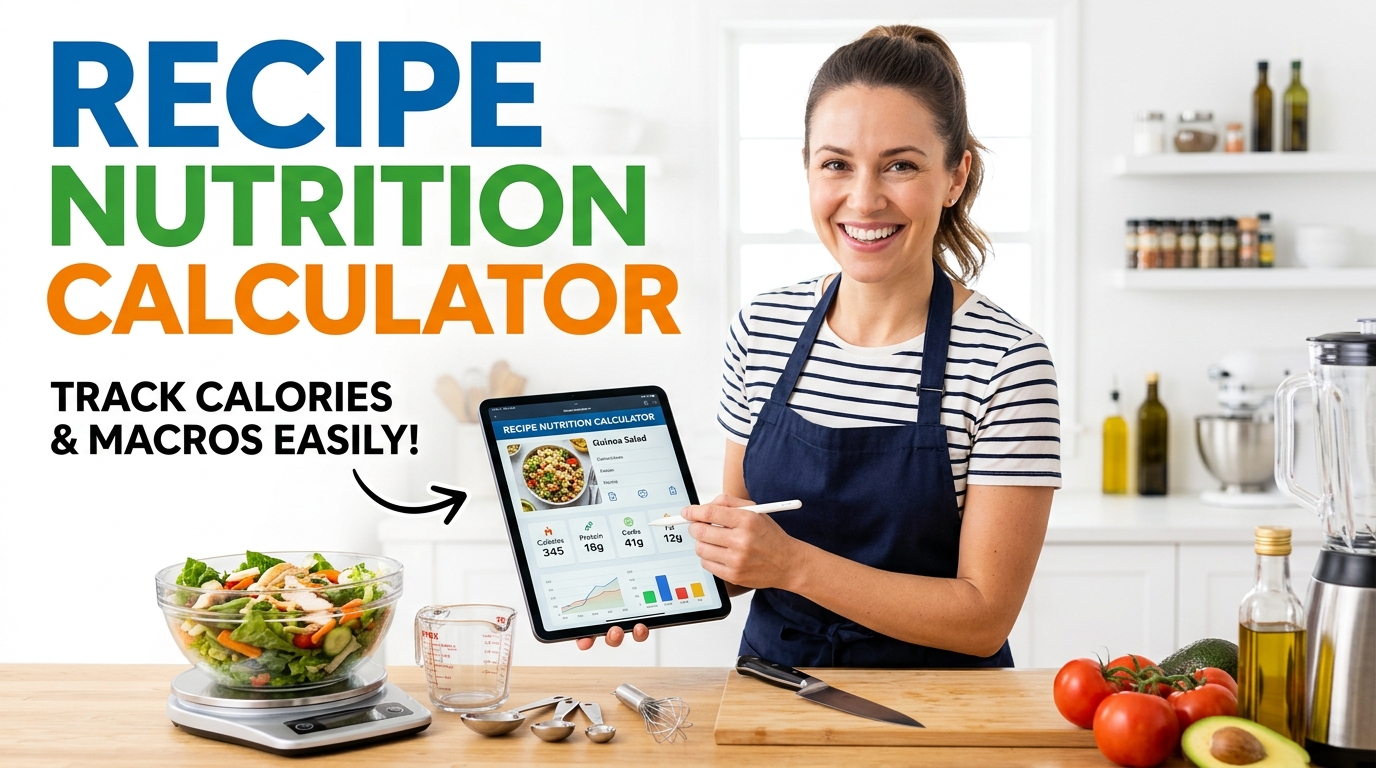
Cooking something and want a rough idea of the calories and macros per serving? Enter your ingredients and amounts and get a nutrition breakdown for the whole recipe and per portion. Handy for planning meals or adapting a dish to fit your goals.
Smart Recipe Calculator | Instant Nutrition Breakdown, Food Costing & Automatic Unit Conversion
Easily analyze your meals with our free recipe nutrition calculator. Auto-scale servings, track macros (protein, carbs, fat), and calculate recipe costs instantly in your browser.
Table of Contents
Recipe
Ingredients
Nutrition facts (per serving)
Compare saved recipes
Save a few recipes on the Build tab, then compare their per-serving nutrition and cost side by side.
Recipe notes
Saved recipes
🔗 Related tools
- Planning several days of meals? Use the 7-day Meal Plan Studio.
- CSV to Label Maker for printable labels.
Nutrition values are estimates from a general ingredient database and will vary by brand and preparation.
Add ingredient
Cost Per Serving
Add a price to each ingredient and the studio works out what one serving actually costs, plus the whole-recipe total and a cost-per-100-calories figure that makes budget cooking easy to compare.
Nutrition Facts Label
Every recipe generates a clean, FDA-style nutrition label per serving with calories, macros, fiber, and % Daily Values, ready to copy, print, or export as CSV or JSON.
Units, Scaling & Compare
Enter amounts in grams, ounces, cups, or spoons and it converts them for you. Change the serving count to rescale instantly, and line up saved recipes side by side.
How to Use the Recipe Nutrition & Cost Studio
Name it
Enter your recipe name, how many servings it makes, and your currency.
Add ingredients
Pick from the database or add custom, then set the amount, unit, and price for each.
Read the numbers
See per-serving calories, macros, and cost update live as you type.
Label or export
Open the Nutrition Label tab to copy, print, or export CSV and JSON.
Last updated: August 2026
🔴 What you can work out with it
This recipe nutrition calculator answers two questions at once that usually take two separate tools: what is in a dish, and what it costs. Home cooks use it to see the calories and protein in a family meal, meal-preppers use it to keep a batch on budget, and small food sellers use it to price a dish with a real margin instead of a guess. Everything runs in your browser, so your recipes and prices stay on your own device with nothing uploaded.
If you are planning several days of meals rather than costing one dish, the 7-day Meal Plan Studio is the better fit, and the two work well together: build and cost a recipe here, then drop the dish into your week there.
🟡 From ingredient list to cost and nutrition
Start on the Build tab and add ingredients one at a time. For each, set the amount and choose a unit — grams, ounces, pounds, millilitres, cups, tablespoons, or teaspoons — and the tool converts everything to a common weight behind the scenes so the nutrition maths lines up. Add the price you paid for that amount, and it totals the recipe cost, divides by your servings, and shows a cost-per-serving figure straight away.
The Nutrition Label tab turns the same recipe into a per-serving label modelled on the standard FDA Nutrition Facts panel, with % Daily Values worked out against a 2,000-calorie reference. From there you can copy it as text, export a CSV or JSON, or print it. If you need physical printed labels for jars or packaging, the CSV to Label Maker takes that exported data further.
🟢 Making the numbers accurate
A few habits keep the figures honest. Weigh ingredients in grams where you can, since volume units like cups are approximations that vary with how tightly something is packed. Enter prices for the exact amount you actually used, not the whole packet, so the cost reflects the recipe rather than your shopping. And remember the nutrition values come from a general database, so a specific brand or a different cut of meat will shift them slightly.
Used this way, this recipe nutrition calculator is close enough for meal planning, budgeting, and everyday label-making. For the reasoning behind keeping a tool like this fully on your device, the offline utilities guide explains the privacy case. And if you want the maths spelled out, the companion article on how to calculate recipe cost per serving walks through every step.
Is it free, offline, and private?
Yes. It runs entirely in your browser, so your recipes and prices never leave your device. There is no account and no upload, and it keeps working after the page has loaded even without a connection.
How is cost per serving calculated?
It adds up the price you entered for every ingredient to get the total recipe cost, then divides by the number of servings. It also shows cost per 100 calories, which is handy for comparing value.
Can it make a nutrition label?
Yes. The Nutrition Label tab builds a per-serving, FDA-style Nutrition Facts panel with calories, macros, fiber, and % Daily Values that you can copy, print, or export.
What units can I use?
Grams, kilograms, ounces, pounds, millilitres, litres, cups, tablespoons, and teaspoons. The tool converts them to a common weight so the nutrition maths stays consistent.
How accurate are the numbers?
They are solid estimates. Nutrition comes from a general ingredient database, so brand and preparation shift things a little. Weighing in grams and pricing the exact amount used gives the closest result.
Can I compare recipes?
Yes. Save a few recipes and the Compare tab lines up their per-serving calories, macros, and cost side by side, so you can see which dish is leaner or cheaper at a glance.
Can I save and export my work?
Recipes save in this browser, and you can export any recipe as CSV or JSON, copy the label as text, or print it. Your notes are saved locally too.
I want to plan a whole week, not one dish.
Then use the Meal Plan Studio, which handles a full seven-day plan with targets and a grocery list. This tool focuses on costing and labelling individual recipes.
Does it work on a phone?
Yes. The layout stacks into a single column on small screens, so you can build a recipe and read its cost and nutrition from a phone.