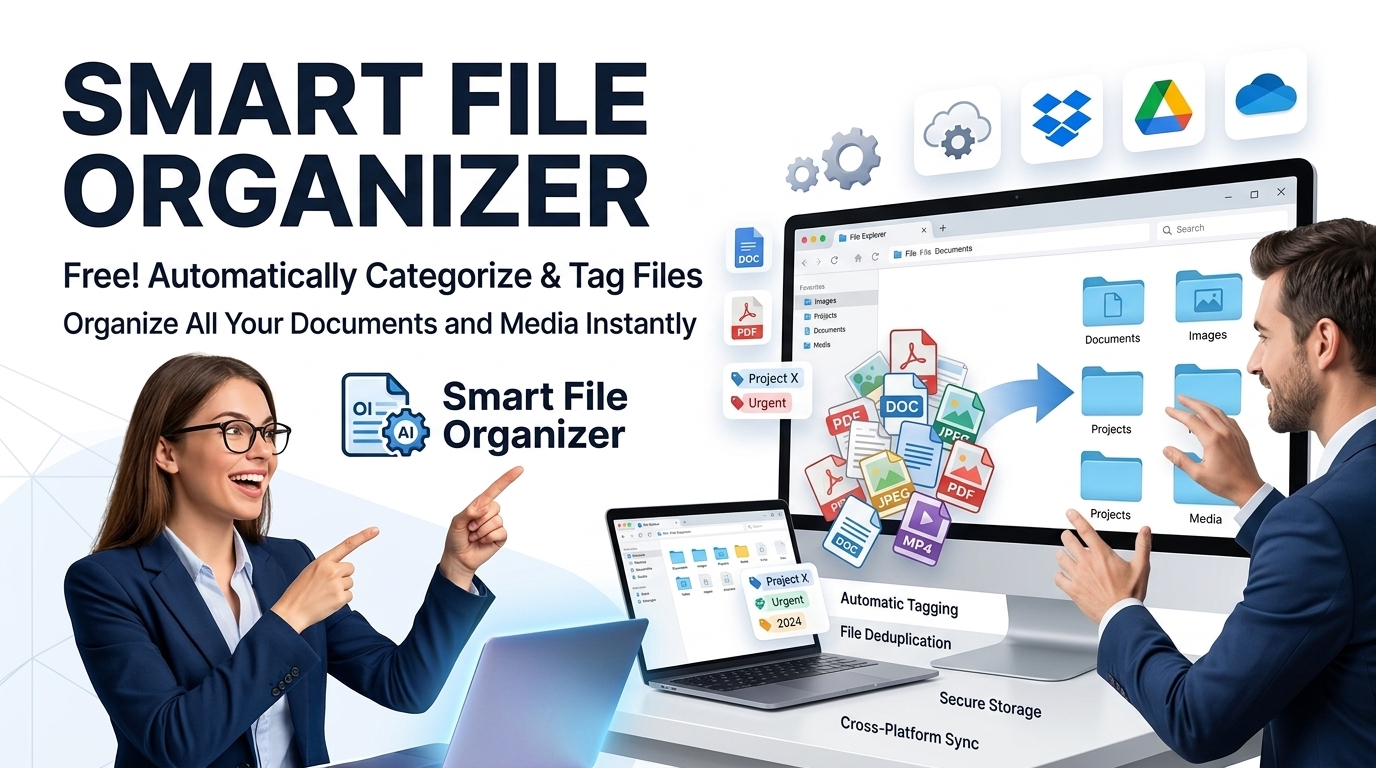
Free Smart File Organizer & Zip Studio | 100% Offline
Auto-sort, preview, and organize your files with our free offline smart file organizer and zip studio. Create virtual folders and download as a ZIP securely.
Table of Contents
Too many files with no consistent naming or structure? Set up sorting rules and let the tool group files the way you want, so your folders stay manageable. Handy after a big import or a long stretch of saving things wherever they landed.
Smart File Organizer Pro
Supports nested folders, multiple ZIPs, batch rename, and EXIF metadata extraction.
Our offline smart file organizer executes 100% locally in your browser. No data is transmitted to external servers, protecting sensitive intellectual property.
The smart file organizer maps specific extension and timestamp values mathematically to execute batch renaming via dynamic regex-like tokens.
Extract and compress archives directly using client-side memory. This smart file organizer packages your modified directory structures sequentially.
Drag and drop folders directly into the smart file organizer to initialize the local processing session.
Review visual graphs, isolated duplicates, and parsed metadata distributions gathered by the engine.
Apply tags, remove exact binary matches, and rename batches securely inside your browser DOM.
Generate an optimized, compressed ZIP archive containing all your modified and organized elements.
🟥 The Computational Logic of Our offline smart file organizer
Modern web browser capabilities have fundamentally shifted how engineers handle heavy data operations. Historically, managing metadata, archiving arrays, or detecting duplicate arrays required server-side processing using PHP or Node.js. This traditional client-server architecture introduced latency and significant privacy risks. Today, our offline smart file organizer bypasses backend communication entirely by processing within the browser’s native JavaScript execution engine. By accessing the Mozilla Web File API, theoffline smart file organizer reads raw binary data (Blobs) directly from your local hard drive into volatile RAM.
🟧 Memory Allocation and CPU Efficiency
When you input an archive or a directory into the offline smart file organizer, it initiates asynchronous JavaScript promises to unpack and index file signatures without blocking the main visual rendering thread. This asynchronous design ensures the application can evaluate thousands of objects, parse hexadecimal headers, and isolate duplicate byte-signatures almost instantaneously using your machine’s local CPU. Managing memory leaks is a known challenge in single-page applications. We engineered a strict garbage collection protocol that automatically flushes old Blob URLs and clears JavaScript memory sets when you restart the session. This prevents memory saturation, even if you analyze gigabytes of media. Traditional software often suffers from bottlenecking during I/O operations, but executing logic directly in the Document Object Model solves this mathematical limitation.
- 🟢 Direct DOM parsing prevents server latency and bandwidth exhaustion.
- 🔵 High-speed algorithmic hash matching isolates duplicate elements accurately.
- 🟣 JavaScript typed arrays process raw binary headers for exact matching.
- 🟤 Local runtime isolation guarantees network interception is mathematically impossible.
🟨 Cryptographic Duplicate Detection and Parsing
Finding exact duplicates requires more than merely checking nominal text strings. The offline smart file organizer calculates precise byte sizes and executes cryptographic hashing mechanisms to verify if two distinct files contain the exact same binary sequence. Furthermore, parsing JPEGs and MP4s for metadata requires traversing specific byte offsets. The utility scans for Exchangeable Image File Format (EXIF) markers without ever altering the source encoding. By mapping structural data formats directly into browser memory, the tool identifies origin timestamps and coordinates instantly, injecting them into the dynamic regex batch-renaming module. This non-destructive scanning ensures your original digital assets remain mathematically untouched during processing.
🟩 Expanding Your Technical Toolkit
Because the offline smart file organizer never uploads your content, it acts as a highly secure, completely isolated offline sandbox. Operating without API dependencies ensures absolute longevity and privacy for your data. If you value this type of localized, zero-server engineering, you can discover similar client-side utilities when you explore our comprehensive Prime Tool Hub directory. Every utility, including this offline smart file organizer, is meticulously engineered to optimize your technical workflow through applied computer science principles.
🤔 Frequently Asked Questions
Does the smart file organizer upload my data?
No. The application operates strictly within your local browser memory. Files are processed locally, ensuring strict data isolation.
How does the smart file organizer find duplicate files?
It uses deterministic file-size matching and cryptographic hashing to detect identical binary sequences, grouping them accurately for user review.
Can I process large ZIP archives locally?
Yes. By executing JavaScript typed arrays and the File API, the tool streams and unzips heavy archives directly in your RAM without server dependency.
What happens to EXIF metadata during processing?
The utility parses raw hexadecimal headers to extract EXIF data non-destructively. When you rename or filter, original image coordinates and timestamp structures remain intact.