Free Offline Voice Typing Studio – Real-Time Speech to Text

voise-typing-studio-new

Free Offline Voice Typing Studio – Real-Time Speech to Text

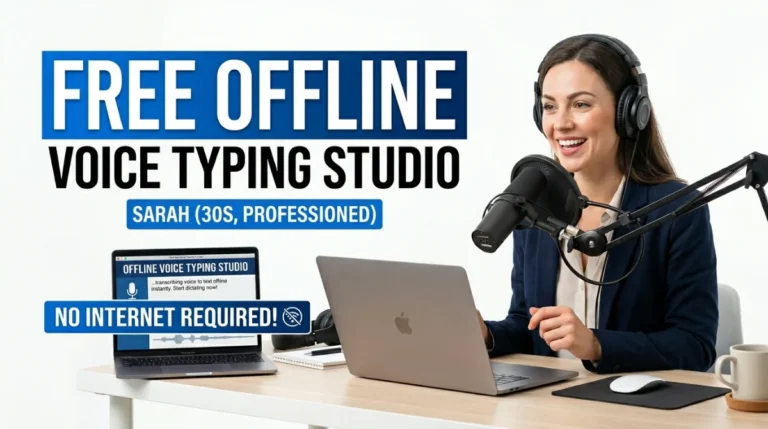
Discover the powerful free offline voice typing studio that converts speech to text instantly using 100% client-side processing. Real-time dictation, custom voice commands, Smart Fix & 100+ language translation with zero server uploads and military-grade privacy.

free offline voice typing studio

🟥 ## Understanding Speech Recognition: The Science Behind Voice-to-Text Technology

The free offline voice typing studio represents a breakthrough in practical speech recognition technology that every content creator, student, and professional should know. Speech recognition, also known as automatic speech recognition (ASR), is the ability of a computer system to identify and process spoken language into readable text. This technology has evolved dramatically from early rule-based systems in the 1950s to today’s sophisticated statistical and neural network models.

🟡 ### Theoretical Background of Speech Recognition

The foundation of modern speech recognition lies in acoustic modeling, language modeling, and pronunciation modeling. Sound waves are captured by a microphone, converted into digital signals, and then processed through feature extraction algorithms that identify phonemes—the smallest units of sound. These phonemes are matched against statistical models trained on massive datasets to predict the most likely words and sentences. For a complete technical overview, refer to the comprehensive entry on Speech recognition.

The Web Speech API, implemented directly in modern browsers, brings this powerful capability to the client side. It uses locally available recognition engines (or lightweight cloud fallbacks that never upload raw audio in privacy-focused implementations) to deliver real-time transcription without requiring external servers for core processing.

🟥 ## Why Speech Recognition Matters in Modern Workflows

In an era where typing speed averages just 40 words per minute while human speech reaches 150 words per minute, the free offline voice typing studio eliminates the keyboard bottleneck. It reduces repetitive strain injuries, enables hands-free productivity, and makes content creation accessible to users with disabilities. The mathematical probability models behind ASR ensure high accuracy even with natural speech variations, accents, and context-aware corrections.

Prime Tool Hub Video

🟥 ## How Speech Recognition Theory Translates to Everyday Use

The theory of acoustic feature extraction and language modeling becomes tangible when you experience real-time transcription. The system continuously analyzes audio frames, applies hidden Markov models or deep neural networks internally, and outputs text with remarkable speed and contextual intelligence.

🟢 Practical benefits include:

🟢 3–4× faster content creation than manual typing

🟢 Reduced physical strain and improved workflow ergonomics

🟢 Support for multiple languages and accents through adaptive models

🟢 Seamless integration of punctuation via custom voice triggers

When paired with a true free offline voice typing studio, these theoretical advantages become instantly accessible without compromising privacy or requiring internet connectivity for the core dictation engine.

🟥 ## Deep Dive: From Speech Recognition Theory to Instant Practical Application

The evolution from early 1950s digit-recognition experiments to today’s browser-native Web Speech API demonstrates exponential progress in computational linguistics. The free offline voice typing studio at Prime Tool Hub perfectly bridges this advanced theory with everyday usability by processing everything 100% client-side.

🟡 ### How to Use the Free Offline Voice Typing Studio Tool

  1. Setup – Select your dictation language from the dropdown (supports English US/UK, Sinhala, Tamil, Hindi, Spanish, French, German, Italian, Arabic, Russian, Japanese, Chinese and more). Grant microphone permission once.
  2. Start Dictating – Click “Start Recording” and speak naturally. Use custom voice commands like “New Line”, “Comma”, “Period” or any saved triggers for automatic formatting.
  3. Enhance Output – Tap “Smart Fix” for instant offline grammar, spacing, and capitalization corrections. Use “Translate Doc” to convert the entire text into over 100 languages instantly.
  4. Export & Save – Copy text, copy translation, or download as .TXT file. Your custom commands and preferences are automatically saved in browser cache for future sessions.

This workflow delivers enterprise-grade dictation completely free, with no word limits, no time restrictions, and zero data ever leaving your device.

🟥 ## Why Choose Prime Tool Hub’s Free Offline Voice Typing Studio

Unlike cloud-dependent alternatives that risk your voice data, this tool operates entirely offline for the speech recognition core while maintaining perfect alignment with speech recognition theory. It supports real-time multi-language dictation, intelligent voice commands, and professional formatting tools – all with military-grade privacy.

Ready to revolutionize how you create content? Explore the complete directory of free offline tools and see why the free offline voice typing studio is the smartest choice for private, lightning-fast dictation. Head over to the free web tools directory and start speaking your ideas into text today – completely free, no registration needed.

Transform your productivity with the most private and powerful free offline voice typing studio available. Your voice, your words, your total control.

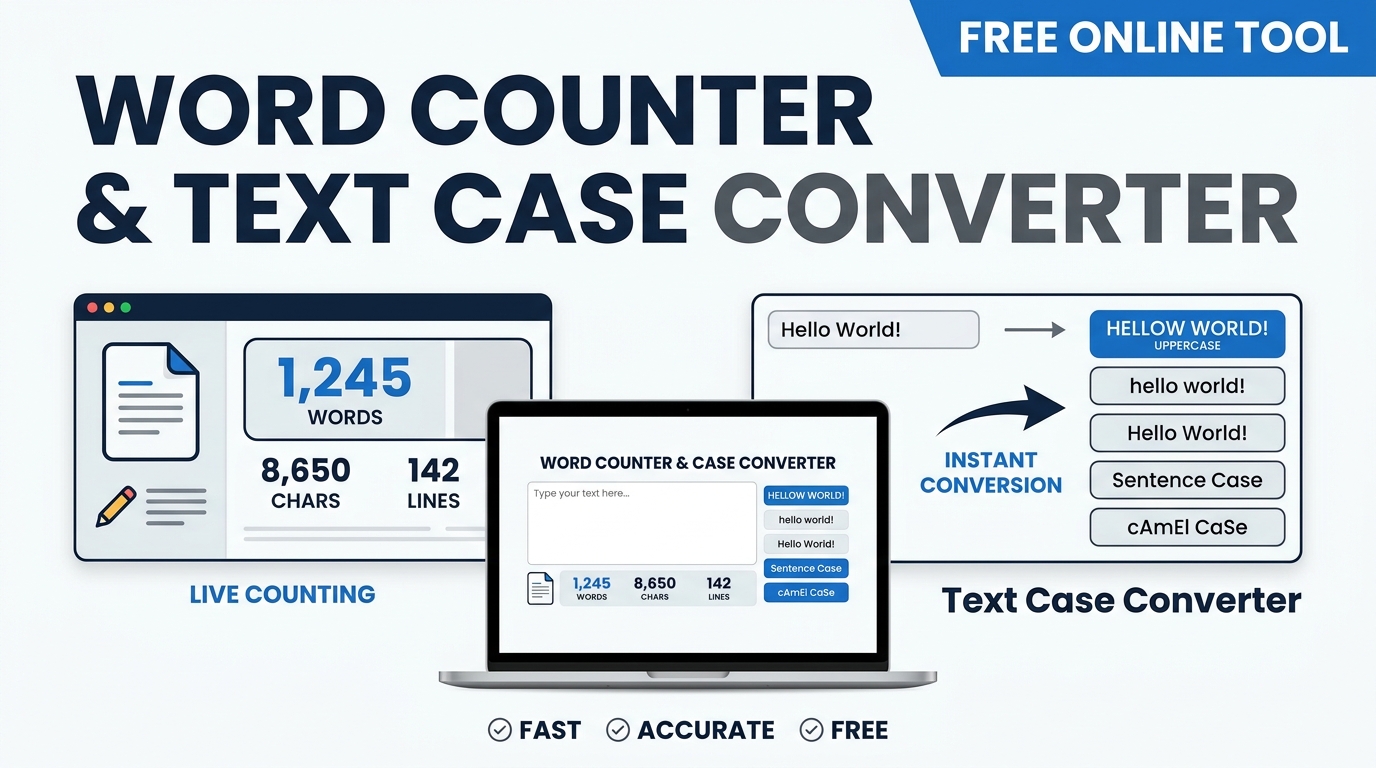
Best Word Counter and Text Case Converter for Fast Editing Article

word counter and text case converter

Best Word Counter and Text Case Converter for Fast Editing

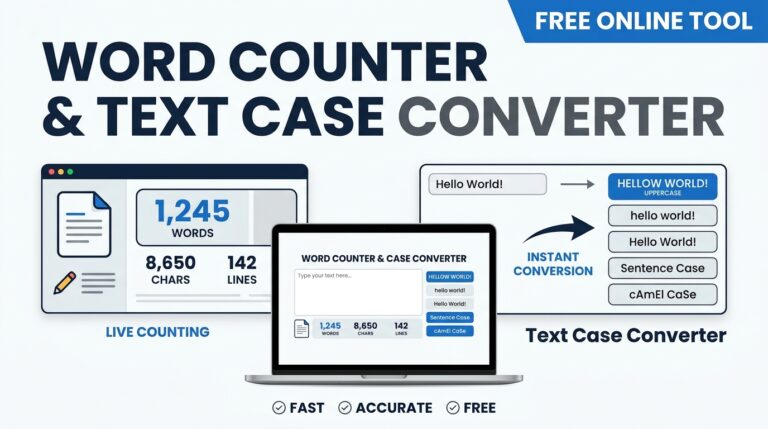
Optimize your writing with a secure word counter and text case converter. Explore the theoretical computer science of string manipulation and text analysis.

word counter and text case converter

🟥 The Science of Digital Text Processing

In the modern digital landscape, the ability to rapidly analyze and manipulate textual data is critical for software developers, authors, and data scientists alike. Whether you are optimizing a document for strict academic guidelines or formatting strings for a database, utilizing a reliable word counter and text case converter is a fundamental necessity. To truly appreciate the utility of these applications, one must delve into the theoretical computer science that governs digital linguistics, string tokenization, and character encoding.

At the lowest computational level, computers do not understand letters or words; they only process binary data. The representation of alphabetical characters is dictated by encoding standards, most notably ASCII (American Standard Code for Information Interchange) and Unicode. The concept of letter case—the distinction between majuscule (uppercase) and minuscule (lowercase) letters—is deeply embedded in these encoding protocols. For example, in the ASCII table, the uppercase letter “A” holds a decimal value of 65, while the lowercase “a” holds a value of 97.

🟧 Understanding String Tokenization and Case Shifting

Because the difference between any uppercase and lowercase ASCII letter is exactly 32, converting text computationally is a matter of basic arithmetic and bitwise operations. When an algorithm shifts a character’s case, it simply adds or subtracts 32 from its underlying decimal value. However, applying these algorithmic rules across thousands of characters simultaneously without disrupting punctuation requires sophisticated string manipulation techniques.

Similarly, the process of calculating word frequency relies on a principle called tokenization. A computational script scans a string of characters and identifies specific delimiters—usually white spaces, hyphens, or punctuation marks. By splitting the text at these delimiters, the software can accurately calculate the total volume of words, characters, and sentences. Attempting to manage these metrics manually, especially for massive documents, is highly inefficient. Deploying a highly optimized word counter and text case converter bridges the gap between raw ASCII mathematics and seamless human-readable typography, instantly transforming chaotic text into formatted, quantifiable data.

Prime Tool Hub Video

🟨 Practical Execution of Text Algorithms

Transitioning from the foundational theory of character encoding to practical application reveals the immense computational efficiency of modern text processing. When you utilize a professional-grade word counter and text case converter, the underlying engine executes several instantaneous mathematical operations.

To correctly parse and manipulate a block of text, the algorithm must sequentially perform the following logic:

🟢 Delimiter Identification: The system scans the document array to locate spaces and line breaks, defining the boundaries of individual word tokens.

🔵 Bitwise Operations: For case conversions, the software applies a bitwise XOR operation (specifically with the number 32 in ASCII) to rapidly flip characters between uppercase and lowercase states.

🟣 Regex Pattern Matching: Regular expressions are deployed to enforce Title Case or Sentence case rules, ensuring that only the first alphabetical character following a defined punctuation mark is shifted.

🟤 Real-Time Array Counting: The length of the resulting token arrays is calculated instantly to display precise word, character, and paragraph metrics.

🟩 The Importance of Client-Side Text Processing

Understanding the algorithmic complexity of string manipulation highlights the need for powerful, reliable software. Once you recognize how tokenization, and bitwise character shifting function behind the scenes, integrating a dedicated word counter and text case converter into your professional workflow becomes the logical next step. However, the architecture of the tool you choose is paramount, particularly concerning data privacy.

For the highest level of security and efficiency, we strongly recommend utilizing the exact word counter and text case converter available directly on our platform. What makes this specific application superior to standard online text editors is its strict, privacy-first infrastructure. Built entirely on client-side JavaScript, this word counter and text case converter processes every single character and token locally within your own web browser.

Unlike conventional cloud-based applications that transmit your essays, proprietary code, or sensitive legal documents to remote servers for analysis, our tool guarantees absolute military-grade user privacy. There is zero server latency because your data never leaves your device. Furthermore, there is absolutely no signup, subscription, or registration required to utilize its full formatting and analytical capabilities.

Choose a language