Complete Guide for Developers, Data Teams and Label Printing | CSV File Format Guide
Data Teams and Label Printing A complete technical guide to the CSV file...
Format conversion looks trivial until it silently mangles your data. These posts are about the places it does.
What you will find: why Base64 makes a file roughly a third bigger and why we still use it; what UTF-8 actually does to a character above the ASCII range, and why “just encode it” corrupts a name with an accent in it; the difference between encoding a whole URL and encoding one query parameter, and why getting that backwards breaks the link; why a JSON number is not the same thing as a database integer once it passes 2^53.
There is a deeper piece on JSONPath — the query syntax, not the button — because once you understand the grammar you stop guessing at expressions and start writing them.
Aimed at backend developers, data analysts and QA engineers who move payloads between systems all day and would rather find the encoding bug now than in production.
Pair any of these with the JSON Studio — read the theory, then go test the exact case the post describes.
Data Teams and Label Printing A complete technical guide to the CSV file...
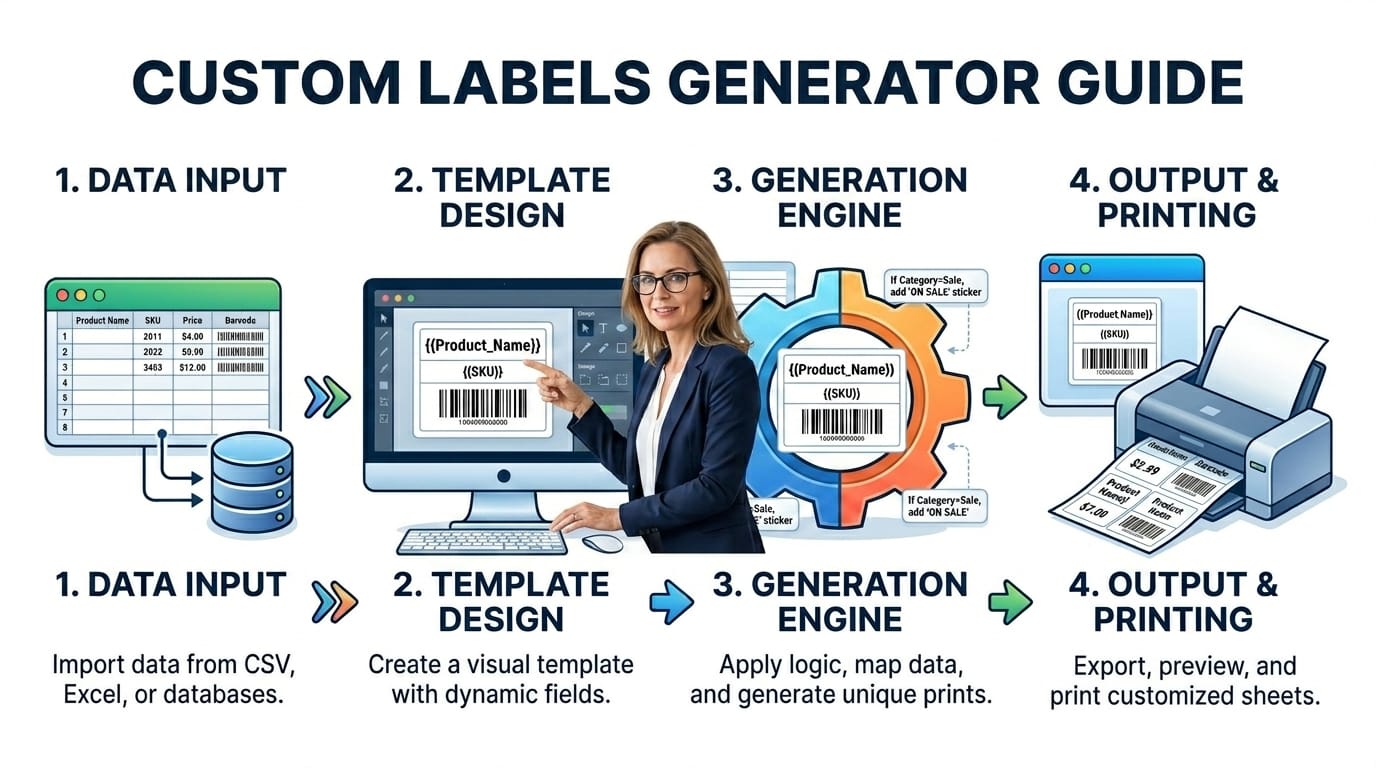
Data Teams and Label Printing A complete technical guide to the CSV file format — structure, parsing rules, encoding, common pitfalls and practical use cases including label printing and data export. Last updated: July 2026 🔴 CSV Structure — What the Format Actually Specifies (and What It Doesn’t) CSV has a formal specification in RFC … Read more

There Is No Number 42 Inside a Computer Only ever a pattern of...

There Is No Number 42 Inside a Computer Only ever a pattern of on and off. Every base conversion, every negative sign, every decimal point is a convention layered on top of that one physical fact. Here is how those conventions were built, and why each one is shaped the way it is. Last updated: … Read more
The Ultimate Guide to Base64: Why You Need a Base64 Encoder and Decoder...
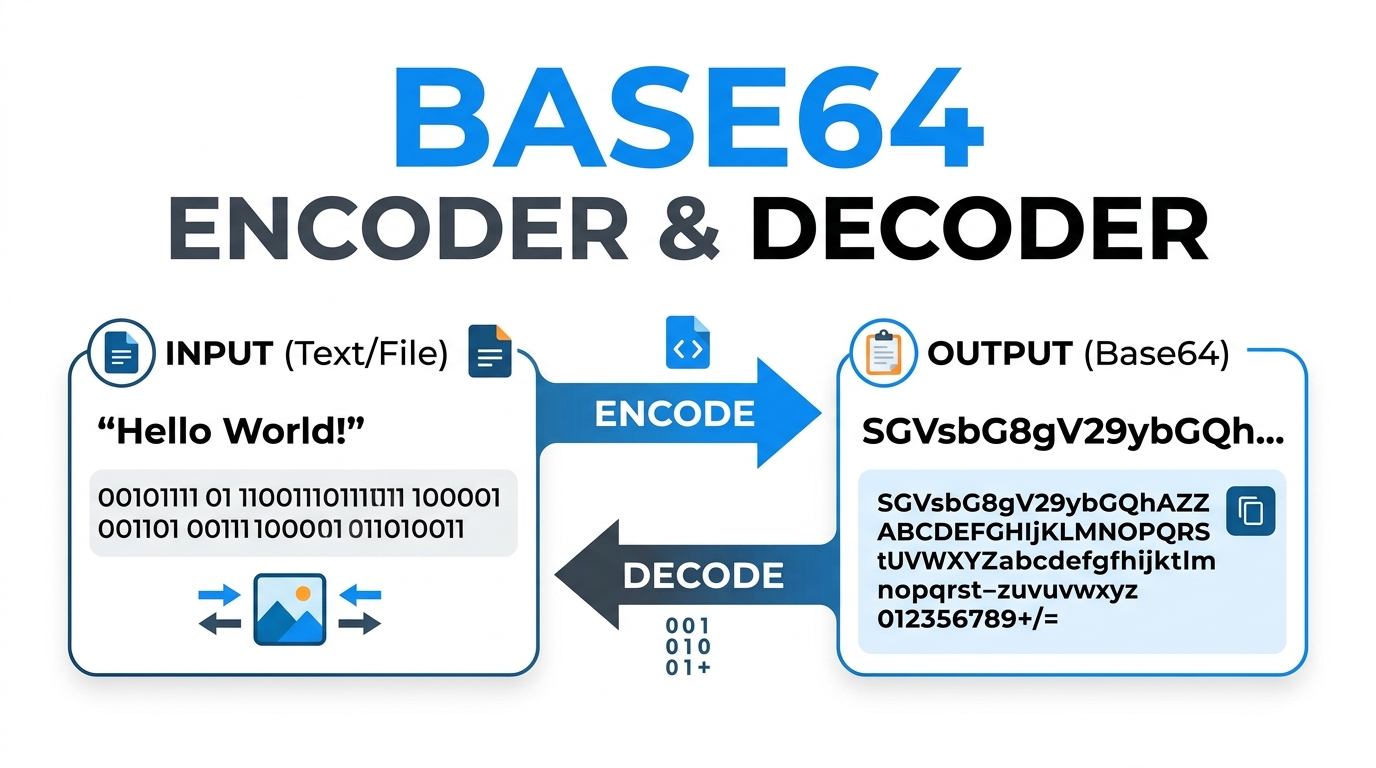
The Ultimate Guide to Base64: Why You Need a Base64 Encoder and Decoder Learn the theory behind data encoding and why every web developer needs a reliable Base64 encoder and decoder. Understand UTF-8 support and Data URIs. Last updated: June 2026 🔴 What Is Base64 and Why Is It Used? Base64 is a binary-to-text encoding scheme … Read more