Free AI Speech-to-Text Transcription Tool Guide— 100% Offline, 5-Tab Workspace
Speech-to-Text Transcription Guide Convert audio and video to text free with this AI...
Audio work in a browser used to be a joke. It is not any more, and these write-ups are about where the line now sits.
The posts here cover what actually happens when you trim, convert, or clean up a recording without a server involved: how the Web Audio API decodes a file into raw samples, why an MP3 re-export is never lossless no matter what bitrate you pick, and what “noise reduction” is really doing to your waveform when it strips a hiss. There is a walkthrough on getting usable speech-to-text out of a mediocre microphone, and one on why vocal removal works on some tracks and produces mush on others.
Written for podcasters, teachers recording lessons, and developers who need to know what they are handing to a codec. If you have already used the Audio Studio and want to understand the choices it made for you, start here.
Honest note: browser audio is fine for clips and voice. A 90-minute multitrack session still belongs in a desktop DAW, and none of these posts will pretend otherwise.
Speech-to-Text Transcription Guide Convert audio and video to text free with this AI...
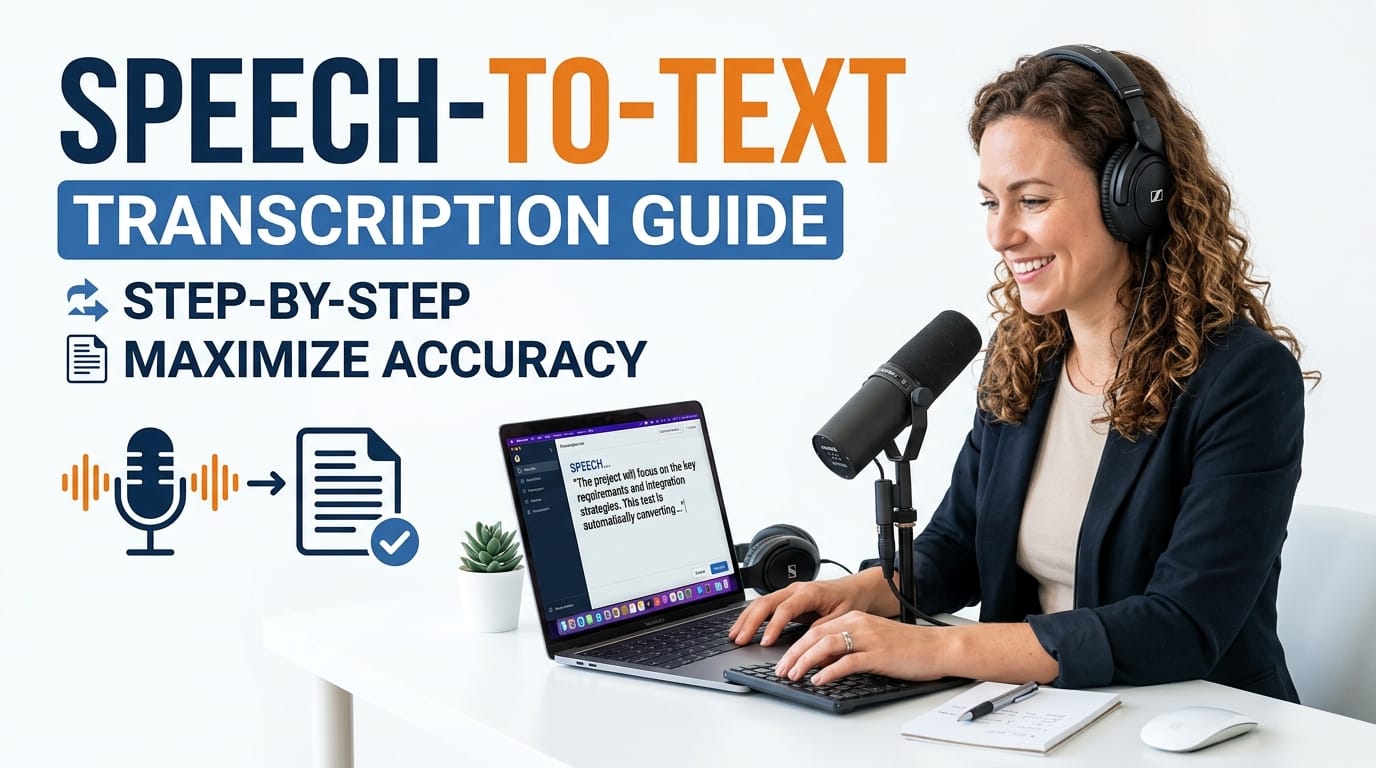
Speech-to-Text Transcription Guide Convert audio and video to text free with this AI offline transcription tool. Whisper AI, 20 languages, SRT/VTT/PDF/JSON export, Smart Notes, Deep Analytics — 100% private. Last updated: June 2026 🔴 What Is an AI Offline Transcription Tool? An AI offline transcription tool converts spoken audio into written text using a machine … Read more

🟥 How to Trim, Convert, and Add Effects to Audio Files Offline Learn...
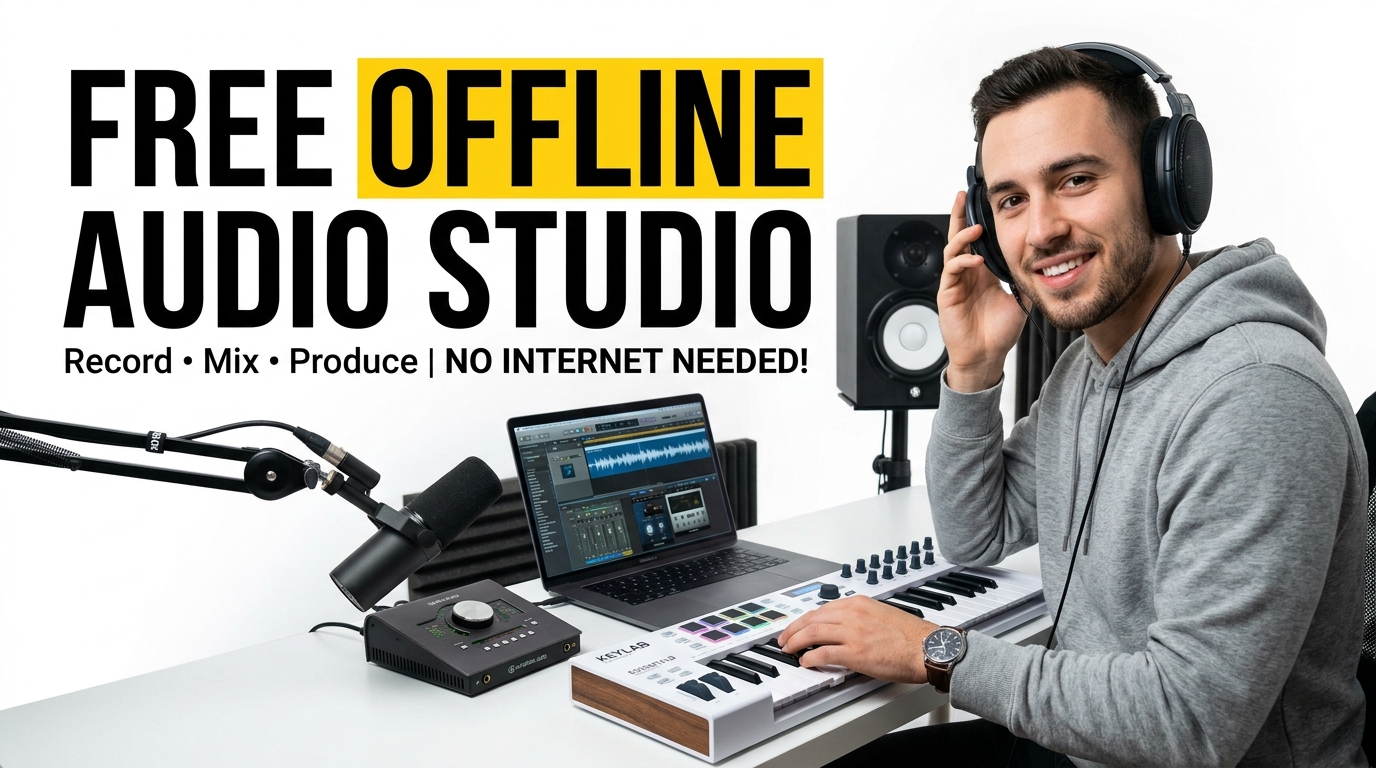
🟥 How to Trim, Convert, and Add Effects to Audio Files Offline Learn how to trim, convert, and add effects to audio files offline safely using a Free Offline Audio Studio that runs entirely in your browser without cloud uploads. Last updated: June 2026 🔴 What Is a Free Offline Audio Studio — And Why … Read more