
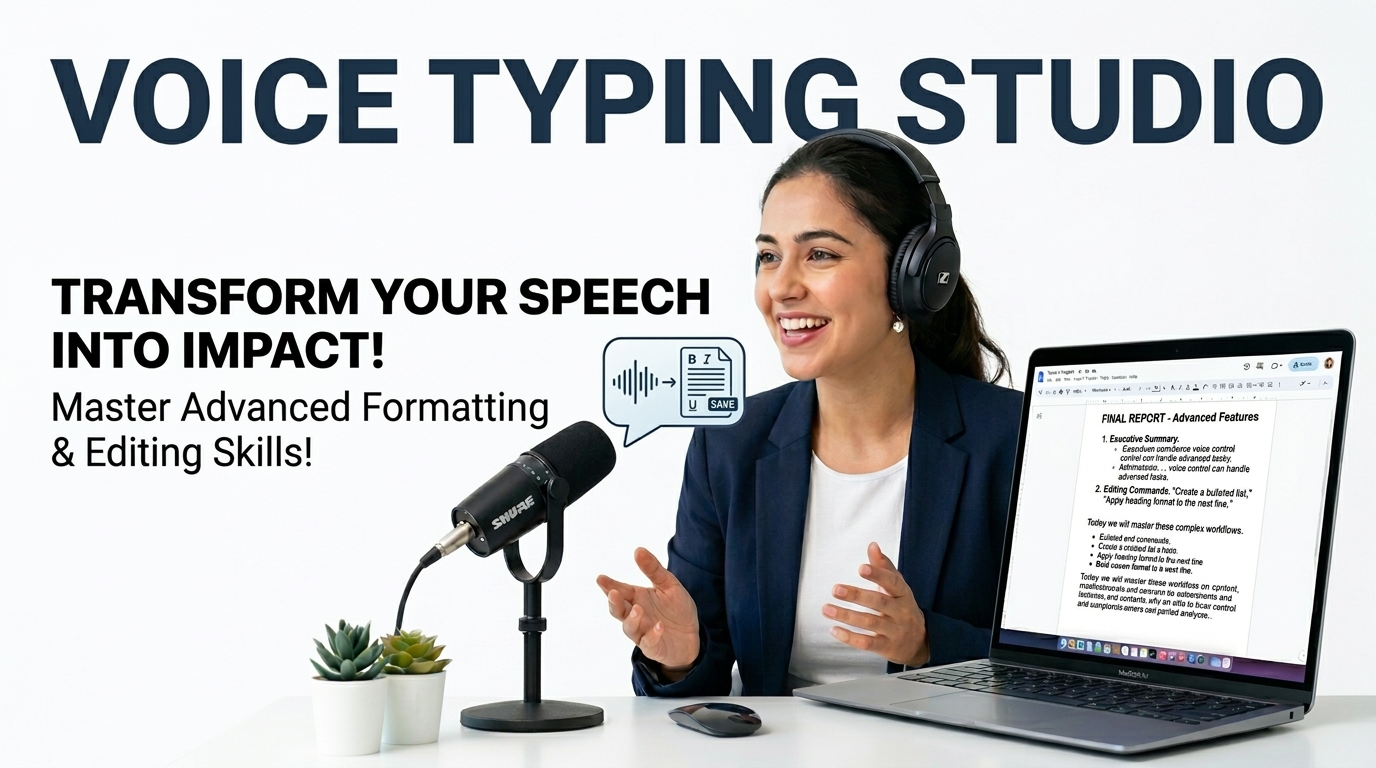
Voice Typing Studio | Free Speech-to-Text & Translator
Professional Voice Typing Studio by Prime Tool Hub. Free online speech-to-text with custom voice commands and multi-language Google translation working securely in your browser.
Table of Contents
⌨️ Voice Commands
Speak these trigger words to automatically insert punctuation. Multiple triggers can be separated by commas.
💡 Pro Tips
- Translate UI: Click the "Translate UI" button at the top to change the tool's interface language.
- Offline Capability: Speech processing uses your browser's native API. No voice data is stored on our servers.
- Auto-Save: Your typed text and language selections are securely saved in your browser cache.
100% Offline & Private
Your voice data is processed natively by your browser’s API. No audio files are ever uploaded or stored on external servers.
No Registration Required
Start dictating immediately. We offer a frictionless experience with zero sign-ups, no hidden paywalls, and instant access.
Native Translation
Speak in your native language and utilize our built-in Google Translate module to convert your document into over 100 languages.
How To Use The Voice Typing Studio
Select Language
Choose your preferred dictation language from the dropdown menu and grant your browser microphone access.
Start Dictating
Click ‘Start Recording’ and speak clearly. Use custom trigger words like “New Line” or “Comma” to format text automatically.
Export or Translate
Once finished, use the “Smart Fix” button to correct grammar, translate the document, or securely export it as a .TXT file.
🟥 Introduction to the Ultimate Free Voice Typing Tool
In today’s fast-paced digital ecosystem, manually typing long documents, essays, or emails can be incredibly exhausting and counterproductive. Whether you are a student drafting a thesis, a content creator writing a blog, or a developer detailing documentation, utilizing a reliable free voice typing tool is the ultimate life hack. Welcome to Prime Tool Hub, your premier directory for high-performance, no-registration web utilities.
Our state-of-the-art free voice typing tool allows you to convert your spoken words into written text with unprecedented accuracy. By harnessing the robust capabilities of modern browser architectures, specifically the Web Speech API documented by Mozilla, we offer a speech-to-text experience that is completely secure, private, and processes your audio in real-time without the latency of server-side uploads.
🟧 How Our Free Voice Typing Tool Enhances Productivity
The primary advantage of a free voice typing tool is its ability to match the speed of human thought. The average person types at around 40 words per minute, whereas conversational speech easily reaches 150 words per minute. By speaking your thoughts aloud, you bypass the mechanical bottleneck of the keyboard.
Furthermore, our free voice typing tool significantly reduces the physical strain associated with prolonged keyboard use. Conditions like carpal tunnel syndrome and repetitive strain injuries are common among writers. Integrating a dictation utility into your daily routine offers immediate ergonomic benefits while simultaneously boosting your word output.
🟨 The Technology Behind the Best Free Voice Typing Tool
You might wonder how a browser-based application can achieve such high accuracy without requiring heavy software installations. At its core, our free voice typing tool utilizes advanced speech recognition algorithms built directly into modern browsers like Google Chrome and Microsoft Edge. As you dictate, the browser’s engine analyzes the phonemes and cross-references them with massive linguistic databases.
This means that our free voice typing tool learns and adapts. It understands context, separates homophones, and applies capitalization with a high degree of precision. Because this is an API standard, you get enterprise-grade dictation technology completely for free, without submitting your data to third-party data brokers.
🟩 Key Features of Our Free Voice Typing Tool
While many dictation apps exist, we have engineered our free voice typing tool to include features tailored specifically for power users, developers, and bilingual professionals:
- Custom Voice Commands: We understand that punctuation can break the flow of dictation. Our free voice typing tool features customizable triggers. You can configure the engine to type a period when you say “full stop,” or trigger an ‘Enter’ key press when you say “new line.”
- Offline AI Smart Fix: Dictation isn’t always perfect. Once you finish speaking, our offline AI formatting script cleans up spacing, capitalizes the first letters of sentences, and ensures your document looks professionally typed.
- Seamless Document Translation: Bilingual users will love this. After using our free voice typing tool to dictate in your native language, you can immediately translate the entire document into over 100 languages using our integrated Google Translate module.
- Browser Cache Memory: Your custom commands and language preferences are stored securely in your local browser cache, ensuring the tool is ready exactly as you left it for your next session.
🟦 Frequently Asked Questions About This Free Voice Typing Tool
Is my voice data kept private?
Absolutely. Privacy is the cornerstone of our free voice typing tool. The speech-to-text processing occurs client-side using native browser capabilities. We do not have servers recording, storing, or analyzing your audio streams. Your voice remains yours.
Why is the tool not hearing my voice?
The most common reason our free voice typing tool cannot hear you is a lack of microphone permissions. When you first click “Start Recording,” your browser will prompt you to allow microphone access. If you accidentally blocked it, you can easily resolve this by adjusting your browser’s site settings. For detailed instructions, refer to the Google Chrome Help guide on microphone permissions.
Are there any hidden costs or word limits?
No. We are committed to providing a truly free voice typing tool. There are no word limits, no time restrictions, and no premium paywalls. You can dictate a quick email or a 10,000-word novel without spending a dime.
🟪 Maximizing Your Results with a Free Voice Typing Tool
To achieve 99% accuracy with any free voice typing tool, your environment and hardware play a crucial role. First, try to dictate in a quiet room. While modern algorithms are excellent at filtering background noise, a silent environment yields the best results.
Secondly, consider using a dedicated headset microphone rather than your laptop’s built-in microphone. A headset positions the mic closer to your mouth, providing a clearer audio signal to the free voice typing tool.
Finally, speak clearly and enunciate your words, but maintain a natural conversational pace. Do not speak robotically; the AI expects natural human cadence to determine the context of sentences. Stop wasting time typing—bookmark Prime Tool Hub today and revolutionize your workflow with the internet’s most powerful free voice typing tool.Read Full Guide ▼