
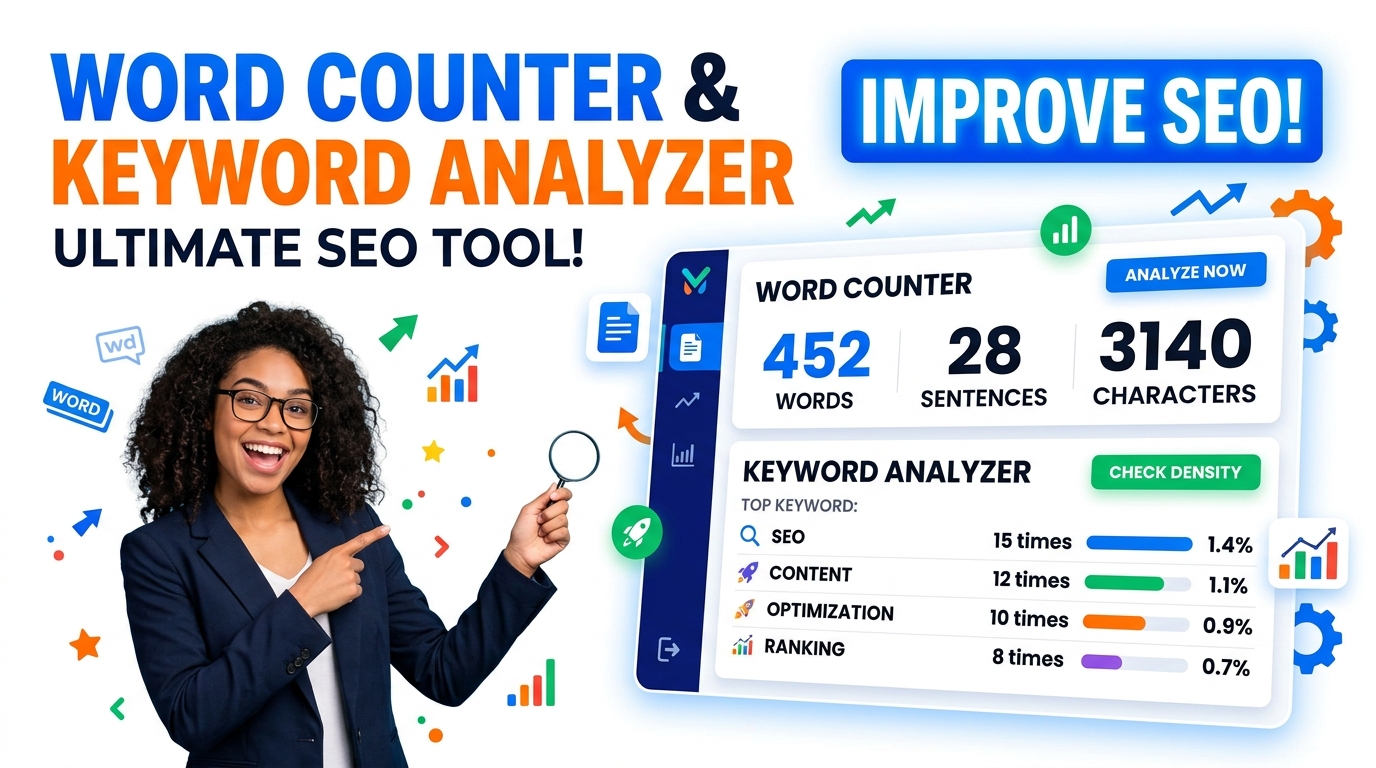
Free Word Counter, Text Case Converter & Keyword Analyzer
Instantly count words, analyze keyword density, check readability, convert text cases, and clean formatting with our 100% free, offline SEO text utility.
Table of Contents
Ultimate Text & SEO Utility Pro
Analyze SEO metrics, convert text cases, and clean formatting offline.
🎯 Keyword Density Analyzer (Top 5 Words)
🔄 Convert Text Case
🧹 Clean & Format Text
Paste Your Text
Simply type or paste your article into the main text area. The tool will instantly begin processing your content offline.
Analyze & Optimize
Check your live word count, character limits, keyword density, and readability score to optimize your text for SEO.
Convert & Clean
Switch to the Case Converter tab to instantly change text cases, or use the cleaner buttons to strip messy HTML tags and spaces.
Creating high-ranking content in today’s digital landscape requires more than just good writing; it requires precision, perfect formatting, and strict adherence to search engine guidelines. Whether you are an SEO professional, a freelance copywriter, or a web developer, optimizing your text is a critical step before hitting the publish button. That is why we built the ultimate word counter and text case converter—a completely free, all-in-one SEO text analyzer designed to streamline your content creation process directly in your browser.
Did you know? Google’s algorithms heavily penalize pages with keyword stuffing and poor readability. Using a real-time keyword density checker and readability score calculator can instantly improve your organic rankings and reduce user bounce rates.
🟦 The Ultimate Word Counter and Text Case Converter
Our platform is not just a simple character counting box. It is a comprehensive suite of digital utilities merged into one lightning-fast, offline tool. By utilizing local JavaScript processing, your data remains 100% secure on your device. Let’s explore the powerful sub-tools included in this premium SEO utility.
📊 Real-Time Word & Character Counter
Keeping track of your text length is crucial for meeting editorial guidelines, optimizing meta descriptions, and crafting perfect social media posts. Our tool functions as an instantaneous character counter offline. It tracks total words, characters (with and without spaces), sentences, and paragraphs in real-time. Meta titles should strictly remain under 60 characters, and meta descriptions under 160 characters to prevent truncation in Google search results. This module ensures you hit those targets with zero guesswork.
✨ Advanced Text Case Converter
Formatting headings and paragraphs manually is a massive waste of time. If you need to change text case offline, our integrated converter allows you to transform blocks of text with a single click. You can instantly switch between UPPERCASE, lowercase, Sentence case, and Title Case. The title case generator is specifically programmed to recognize minor words (like ‘and’, ‘or’, ‘the’, ‘in’) and keep them lowercase according to standard AP style guidelines, ensuring your H1 and H2 tags look professionally formatted.
🎯 Keyword Density Checker & SEO Analyzer
Keyword stuffing is an outdated SEO tactic that will actively harm your website’s ranking. Search engines prioritize natural language processing (NLP). Our built-in keyword density checker automatically filters out common stop words (like ‘the’, ‘is’, ‘at’) and calculates the exact percentage of your most frequently used terms. Maintaining a focus keyword density of around 1.5% to 2.5% is the sweet spot for modern SEO. This visual analyzer helps you spot over-optimized phrases before you publish.
📖 Readability Score Calculator
User engagement is a primary ranking factor. If your text is too difficult to read, visitors will bounce back to the search results, signaling to Google that your page is unhelpful. Our readability score calculator analyzes the average words per sentence to estimate how easy your content is to digest. Keeping your readability in the “Easy” or “Normal” range ensures maximum audience retention, especially for mobile users reading on smaller screens.
🧹 Text Cleaner & HTML Stripper
Copying text from Microsoft Word or Google Docs often brings along hidden HTML span tags, messy inline CSS, and irregular spacing. This can completely break your WordPress theme’s layout. With our text cleaner buttons, you can remove extra spaces online, delete empty line breaks, and completely strip all HTML tags from your content. This guarantees that you are pasting clean, raw, and unformatted text into your CMS.
🟧 Why Use an Offline SEO Text Analyzer?
Privacy and speed are the two most critical factors when handling unreleased articles, proprietary code, or sensitive client data. Traditional online text tools send your typed data to a remote server for processing, which poses a severe data privacy risk. Furthermore, server-side processing causes network latency, making the tool feel sluggish.
Our seo text analyzer operates entirely on Client-Side Processing. The logic runs directly inside your device’s RAM via your web browser. This means the tool works instantaneously with zero lag, and more importantly, your text never leaves your computer. Even if you disconnect from the internet, the tool will continue to function perfectly.
🟩 Best Practices for Content Formatting
To maximize the impact of your writing, follow these essential SEO and formatting guidelines when using our utility:
- ✅ Optimize Reading Time: The average human reads at 200 words per minute. Use our estimated reading time metric to gauge content length. Articles that take 5 to 7 minutes to read (1000 – 1500 words) generally perform best for comprehensive informational queries.
- ✅ Utilize Sentence Case for Readability: While Title Case is perfect for headings, large blocks of text should always be in Sentence case. If you accidentally left Caps Lock on, simply use our text case converter to fix it instantly rather than retyping the whole paragraph.
- ✅ Break Up Large Paragraphs: Use the paragraph counter to ensure your text isn’t a massive wall of words. Aim for 2 to 3 sentences per paragraph. Shorter paragraphs are significantly easier to scan on mobile devices.
- ✅ Monitor the “Chars (No Space)” Metric: If you are a freelance writer paid by the character, or if you are translating documents, the character count excluding spaces is often the industry standard metric for billing.
🟪 Frequently Asked Questions (FAQ)
🟦 What is the ideal keyword density for SEO?
Most technical SEO specialists recommend keeping your primary keyword density between 1% and 2%. Anything over 3% may trigger spam filters. Use our keyword density checker to monitor your top 5 words in real-time.
🟥 Does the Title Case generator follow grammatical rules?
Yes. Our advanced title case generator automatically capitalizes major words while keeping standard articles, conjunctions, and short prepositions (a, an, the, and, but, or, for, nor) in lowercase, strictly following standard headline capitalization rules.
🟨 Is my sensitive data safe when using this tool?
Absolutely. This is a 100% offline text case converter and analyzer. No data is stored in databases, and no content is transmitted over the network. Your text disappears completely the moment you refresh or close the tab.
🟩 How does the remove extra spaces feature work?
When you click “Remove Extra Spaces”, the tool utilizes Regular Expressions (Regex) to find any instance of double, triple, or tabbed spaces and automatically replaces them with a single, clean space, ensuring perfectly formatted typography.
Stop juggling multiple browser tabs for different writing utilities. Bookmark Prime Tool Hub today and streamline your digital workflow with the internet’s fastest, most secure Ultimate Text & SEO Utility Pro! Read Full SEO Article ▼