
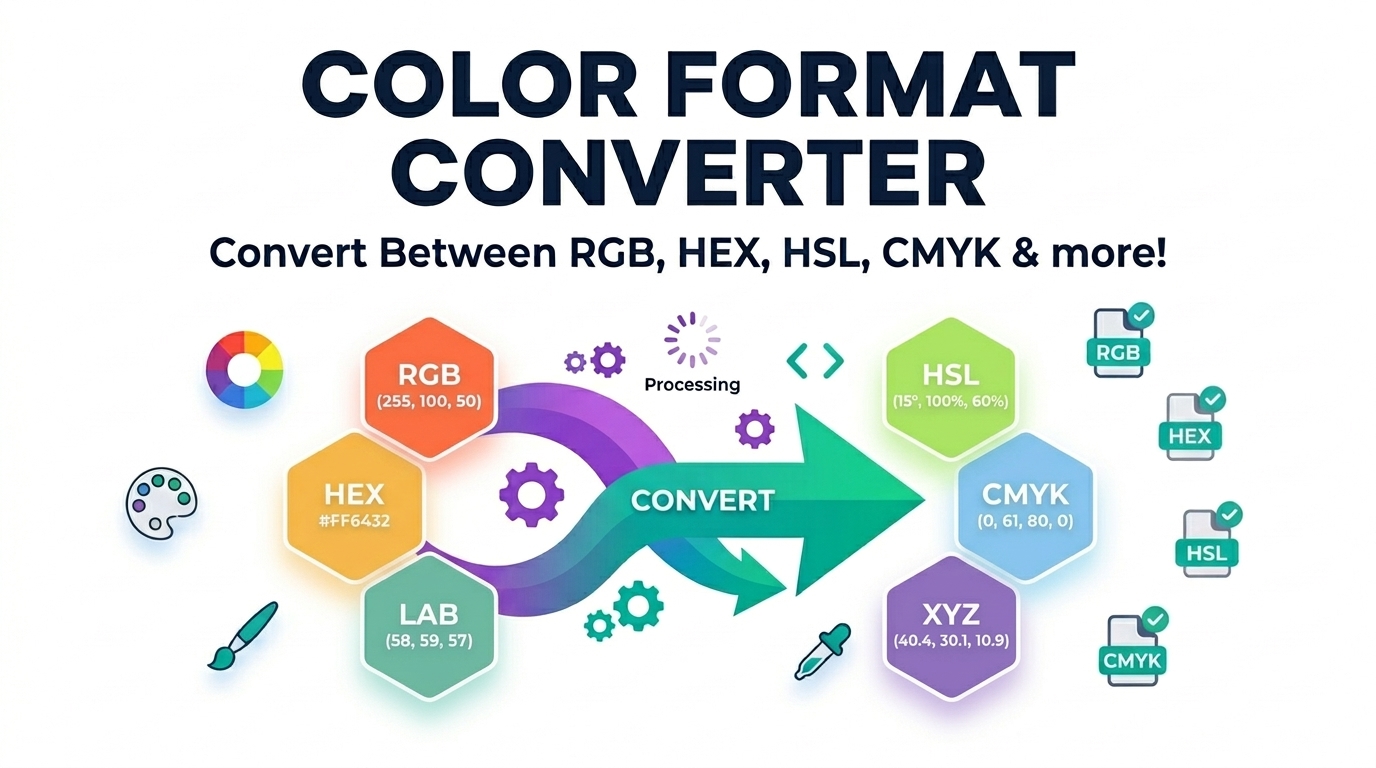
All-in-One Color Studio & Color Format Converter (HEX, RGB, HSL, CMYK)
Convert HEX, RGB, HSL, and CMYK color codes instantly with this free, 100% offline color format converter. Features live visual preview and one-click CSS copy.
Table of Contents
All-in-One Color Studio
Tints & Shades (Click to Copy)
Studio Features
Everything you need to design accessible and beautiful color palettes.
-
WCAG Contrast Checker
Instantly verifies if your selected color has enough contrast to be readable with White, Black, or your own Custom text color. -
Tints & Shades Generator
Automatically calculates 3 lighter tints and 3 darker shades based on your base color's luminance. -
Real-time Conversions
Type a value in any format (HEX, RGB, HSL, CMYK) and the entire studio updates in real-time, completely offline.
🟦 Live Format Conversion
Automatically convert any color code into its HEX, RGB, HSL, and CMYK equivalents in real-time as you type, with zero server delays.
🟩 WCAG Contrast Checker
Instantly verify if your chosen background color meets the strict AA accessibility standards when paired with white, black, or custom text colors.
🟪 Tints & Shades Generator
Automatically calculate three lighter tints and three darker shades based on your base color’s luminance, perfect for CSS hover states.
HOW TO USE THE COLOR STUDIO?
Input Your Color
Type your HEX, RGB, HSL, or CMYK code into any input box, click the random button, or use the visual color picker to start.
Analyze & Adjust
Check the WCAG Contrast panel to ensure your color is readable, and view the generated palette for matching tints and shades.
Copy to Clipboard
Use the dedicated “Copy” buttons next to your desired format, or click directly on any shade block to copy its HEX code instantly.
Read Full Guide: Color Formats & Accessibility
🟦 Introduction to Digital Color Formats
In the world of web design, graphic design, and software development, choosing the right color is only half the battle. The other half is ensuring that the color is represented in the correct technical format for your specific medium. Whether you are coding a website’s stylesheet, designing a logo for print, or creating an interactive user interface, understanding how to convert and manipulate color formats is an essential skill.
The Ultimate Color Format Converter provided by Prime Tool Hub is designed to be the only color utility you will ever need. It seamlessly bridges the gap between digital screen colors (HEX, RGB, HSL) and physical print colors (CMYK), while offering advanced developer tools like accessibility checking and palette generation—all operating 100% securely and offline within your local browser.
🟩 Why Use Our All-in-One Color Studio?
Unlike basic color pickers that only translate one code to another, our studio is engineered as a comprehensive suite for modern front-end developers and UI/UX designers. Here is a detailed look at the core sub-tools included in this utility.
🎨 Sub-Tool: Instant Multi-Format Converter
At the heart of the tool is the live conversion engine. You can input a 6-digit or 3-digit HEX code, standard RGB values, CSS-friendly HSL strings, or CMYK percentages. The moment you type, the engine mathematically translates your input into all other formats simultaneously. There are no server delays, no page reloads, and no API calls required.
👁️ Sub-Tool: WCAG Accessibility Contrast Checker
Accessibility is no longer an afterthought; it is a legal and ethical requirement in modern web design. Our integrated WCAG (Web Content Accessibility Guidelines) Contrast Checker instantly calculates the relative luminance of your selected color against pure white (#FFFFFF) and pure black (#000000) text. It verifies if the contrast ratio meets the strict W3C minimum contrast ratio of 4.5:1 for normal text, ensuring your designs are readable for visually impaired users.
🌗 Sub-Tool: Automated Tints & Shades Generator
Creating consistent UI states (like hover, active, or disabled button states) requires variations of your primary brand color. The Tints & Shades Generator automatically calculates three lighter versions (tints) and three darker versions (shades) of your base color by mathematically adjusting the Lightness (L) value in the HSL color space. You can click on any generated block to copy its HEX code directly to your clipboard.
🟨 Deep Dive: Understanding Color Models
To truly master design, you must understand the mathematics and theories behind the different color models you use daily.
🔴 What is the RGB Color Model?
The RGB color model is an additive color model in which red, green, and blue light are added together in various ways to reproduce a broad array of colors. The name of the model comes from the initials of the three additive primary colors. Because computer monitors, phone screens, and televisions emit light, they use the RGB model. In CSS, it is represented as `rgb(red, green, blue)` where values range from 0 to 255.
#️⃣ How Do HEX Color Codes Work?
A HEX (Hexadecimal) color code is simply a different way of writing an RGB value. It uses a base-16 number system. The format is `#RRGGBB`. For example, pure red is `#FF0000`, meaning Red is at its maximum value (FF, which is 255 in decimal), while Green and Blue are at zero (00).
🌈 Why HSL is Best for Human Perception
While machines understand RGB perfectly, humans struggle with it. If you have a dark blue color in RGB, how do you make it slightly lighter? You would have to calculate adjustments for all three channels. HSL (Hue, Saturation, Lightness) solves this. Hue represents the color itself on a 360-degree color wheel. Saturation is the intensity (0% to 100%), and Lightness dictates how dark or light it is (0% to 100%). Developers prefer HSL for creating color themes dynamically.
🖨️ CMYK: The Standard for Print
Unlike screens that emit light (additive), paper reflects light (subtractive). The CMYK color model stands for Cyan, Magenta, Yellow, and Key (Black). When designing business cards, brochures, or billboards, converting your digital RGB colors to CMYK is critical to ensure the physical ink matches what you saw on your monitor.
🟧 Best Practices for Web Developers
When working with CSS colors, following best practices can make your stylesheets much easier to maintain:
- Use CSS Variables: Define your primary colors using the HEX output from our converter in your `:root` element. (e.g., `–primary-color: #3b82f6;`).
- Leverage HSL for Themes: If you need to generate dark mode themes, using HSL is incredibly efficient. You can keep the Hue and Saturation the same, and simply invert the Lightness value.
- Always Verify Contrast: Never guess if a text color is readable. Always use the WCAG Contrast Checker panel to guarantee your site is accessible to everyone.
🟪 Frequently Asked Questions (FAQs)
1. What is the difference between HEX and RGB?
There is no visual difference; they represent the exact same colors on a screen. The difference is purely in the syntax. HEX uses a base-16 alphanumeric string (`#FFFFFF`), while RGB uses base-10 numerical values (`rgb(255, 255, 255)`). HEX is generally shorter and easier to copy/paste in code.
2. How does the WCAG Contrast Checker work?
It uses a specific mathematical formula to calculate the relative luminance of the background color and the foreground text color. If the mathematical ratio between the two luminances is greater than 4.5 to 1, it passes the AA standard for normal text readability.
3. Can I use this tool completely offline?
Yes. The Prime Tool Hub Color Studio is built using pure vanilla JavaScript. All color conversions, contrast calculations, and shade generations happen locally within your browser’s memory. No data is ever sent to a server.
4. Why do CMYK colors look duller than RGB?
RGB colors are created with light, allowing for extremely bright, neon-like colors. CMYK colors are created with physical ink that absorbs light. The “gamut” (range of possible colors) of CMYK is smaller than RGB, meaning highly vibrant digital colors cannot be perfectly reproduced on paper.
🟥 Supercharge Your Productivity
Mastering color manipulation is essential for modern design. By bookmarking this offline utility, you ensure that you always have access to lightning-fast, secure, and accurate color data. Explore the rest of the Prime Tool Hub directory to discover more premium developer utilities built specifically for performance and privacy.